


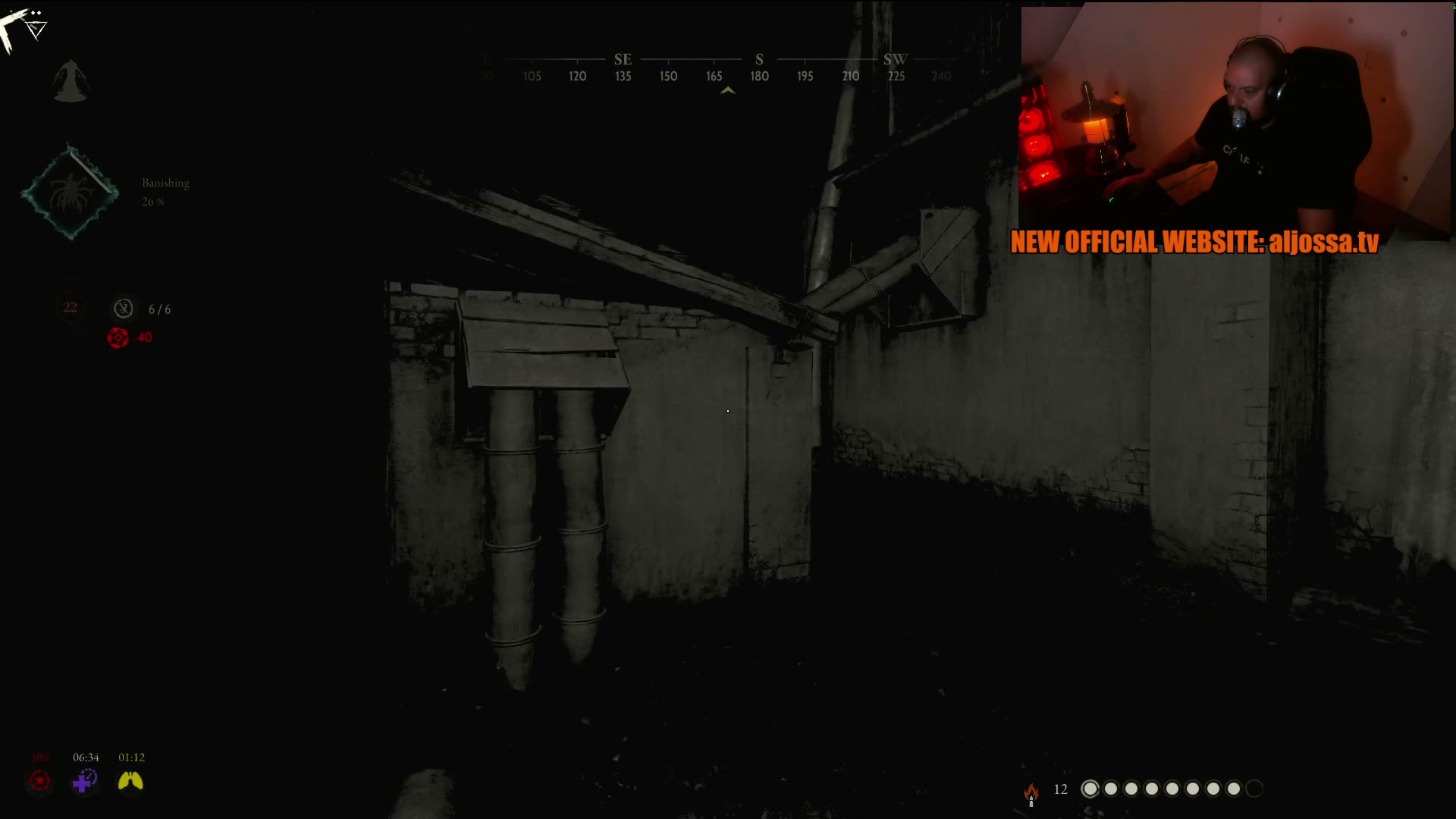
For Twitch streamers
You focus on streaming.
You focus on streaming.
ClipBot finds the clips.
ClipBot watches your past broadcasts and automatically cuts the best moments into ready-to-post clips for TikTok, YouTube Shorts and Reels. No scrubbing through hours of VOD. No editing.
1,014+ streamers · 4-week free trial · no card needed
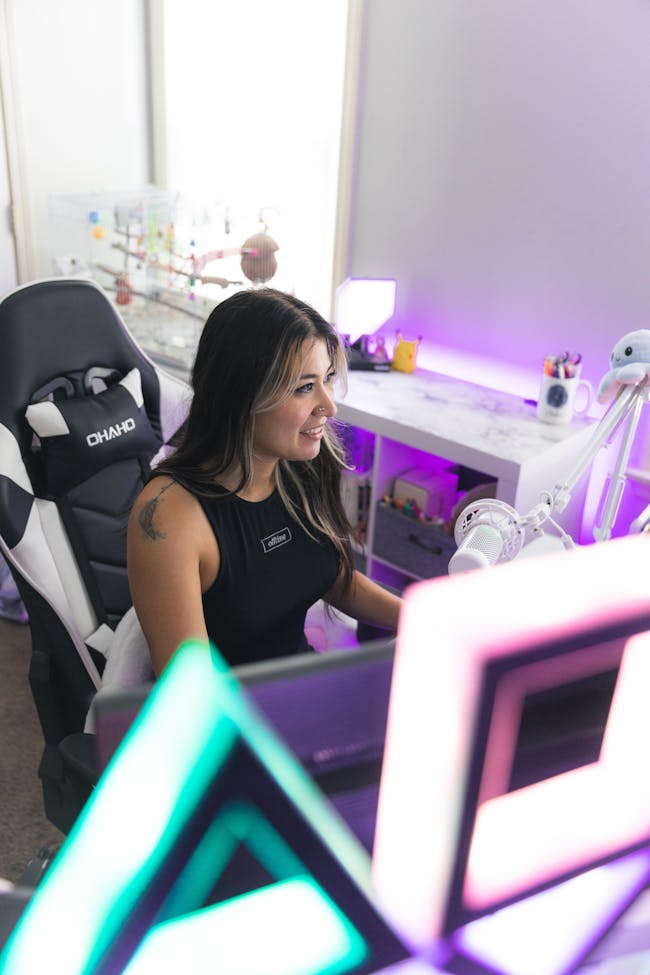
Join the 1,000+ streamers using ClipBot.gg
53.5Kclips created
4.9Mminutes of footage reviewed
419clips this week
0minutes of editing
How it works
Three steps. Two of them are streaming.
-
1
Log in with Twitch
One click. ClipBot connects to your channel and turns on AutoVod — your recent broadcast is picked up right away.
-
2
Stream like normal
When a stream ends, ClipBot reads the transcript, chat hype and your reactions to find the moments worth sharing.
-
3
Post your best moments
Clips land in your dashboard with titles ready to go. Download, share, or turn one into a vertical Short in a click.
Fresh from the bot
Browse all clips
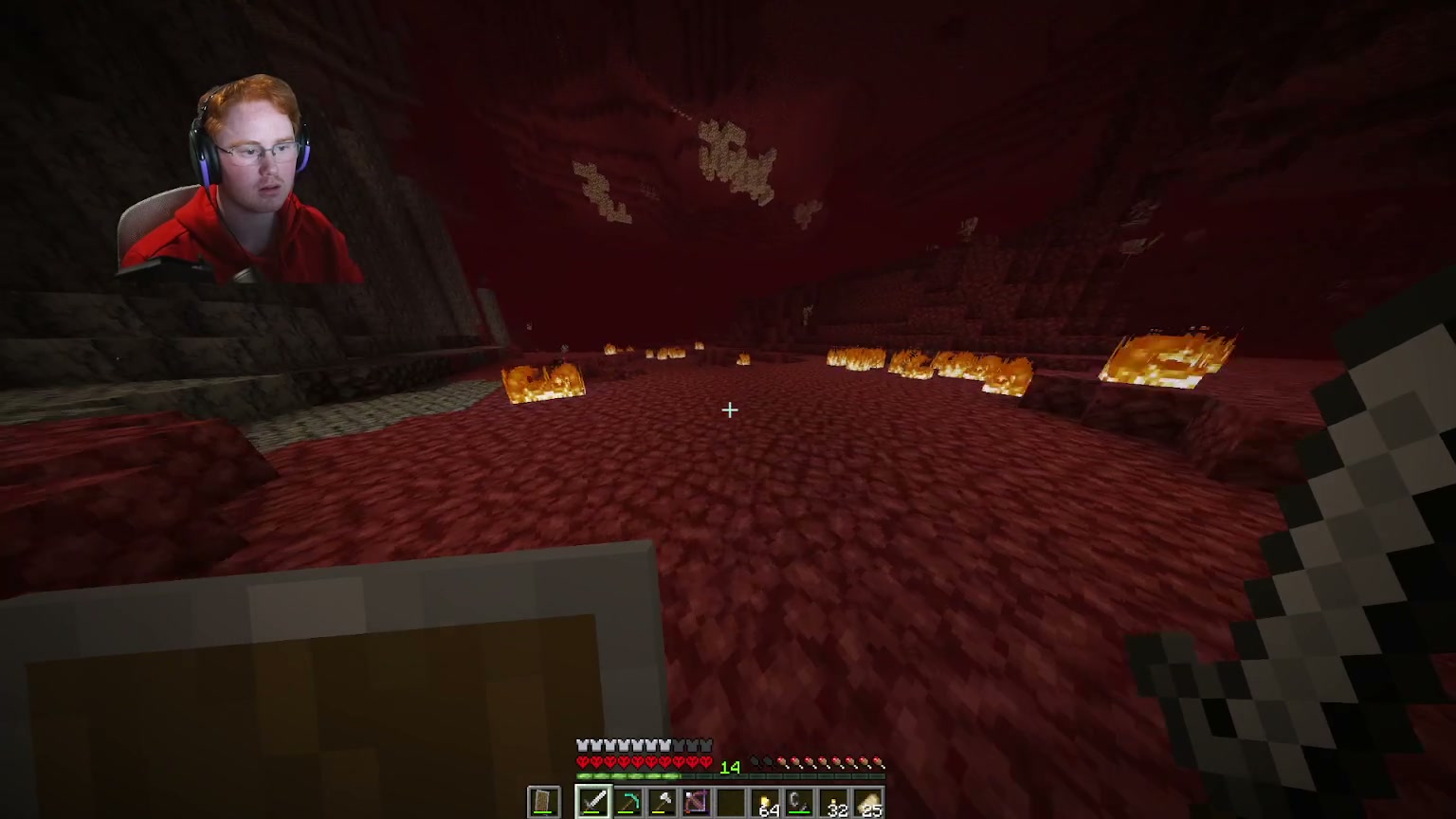
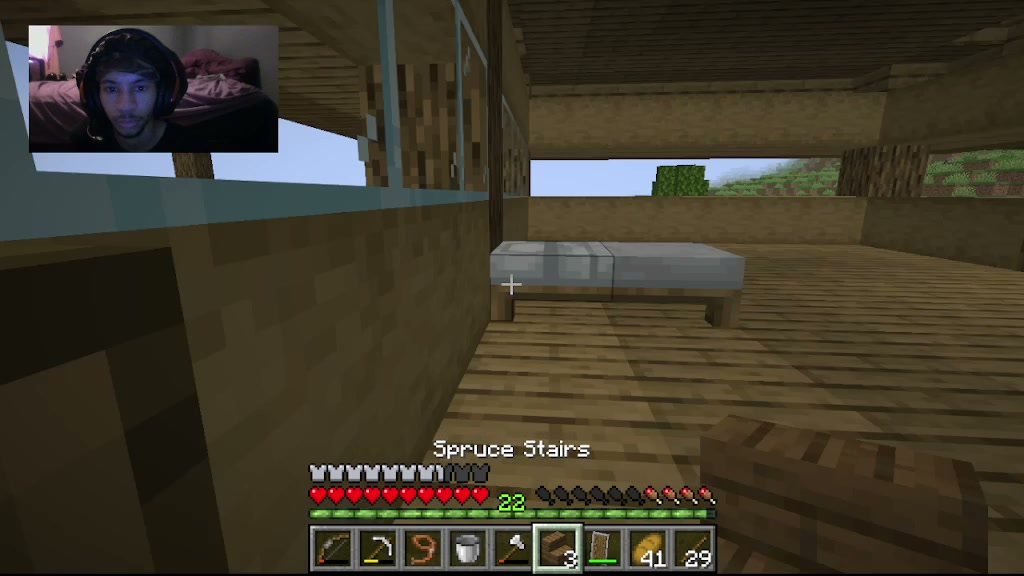
Real clips from real streams



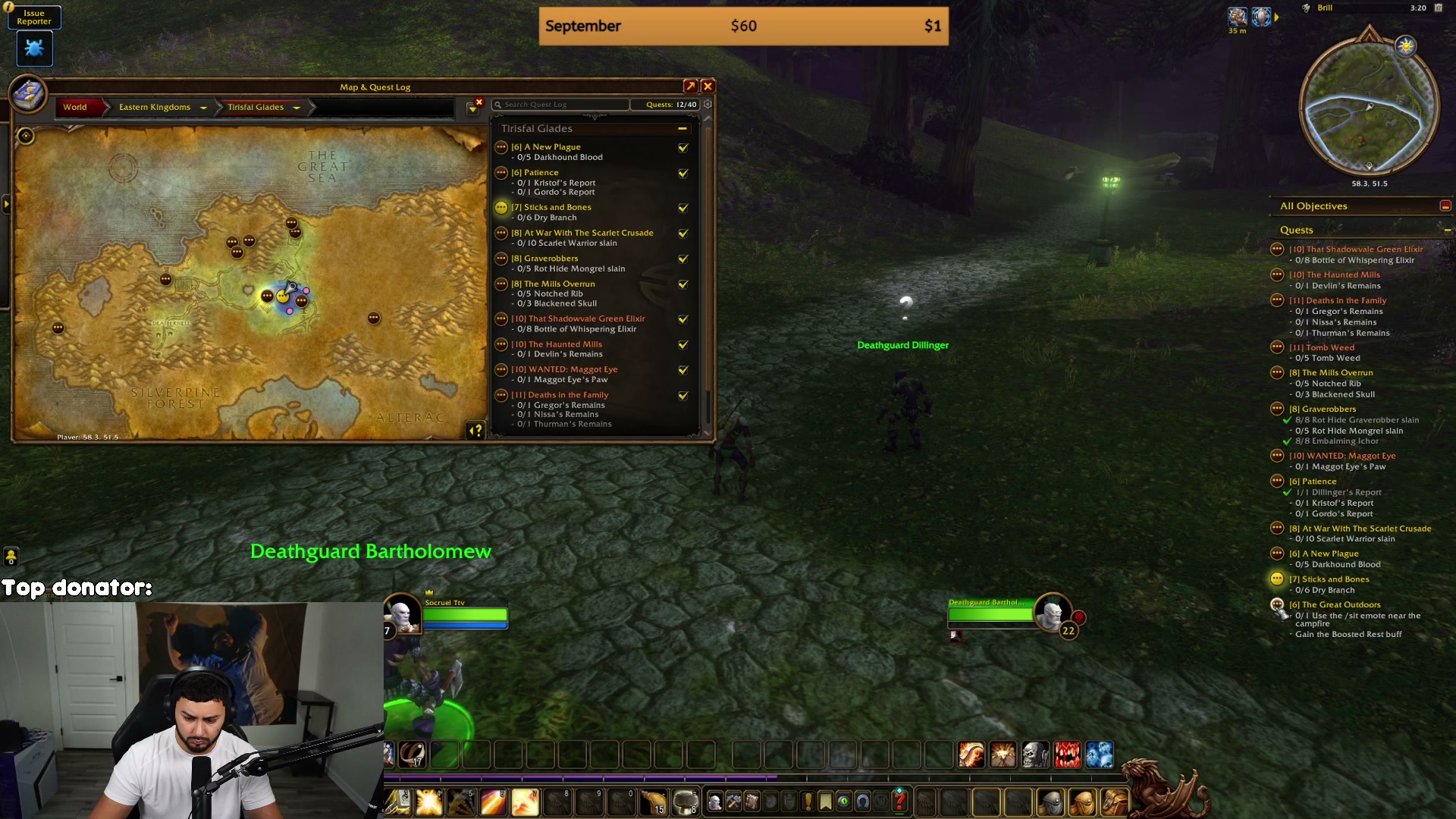

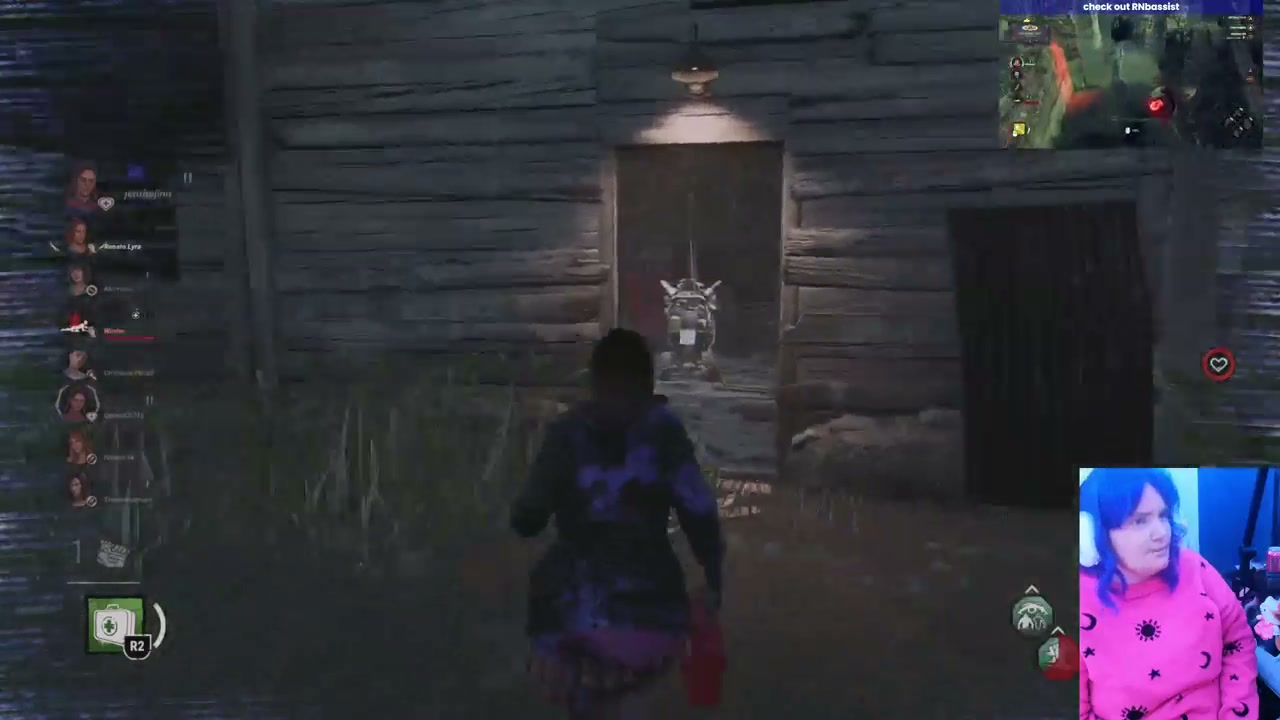

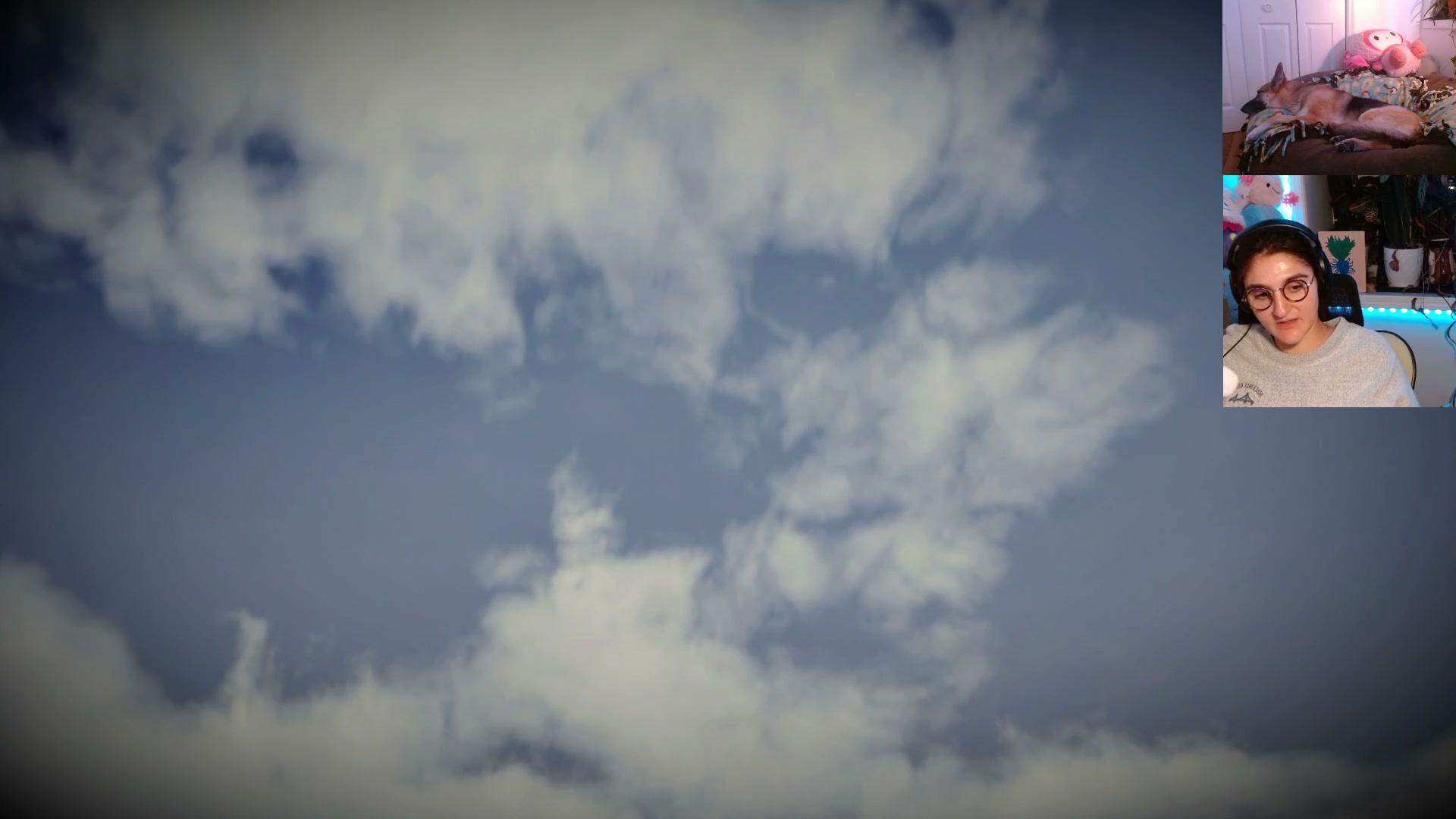

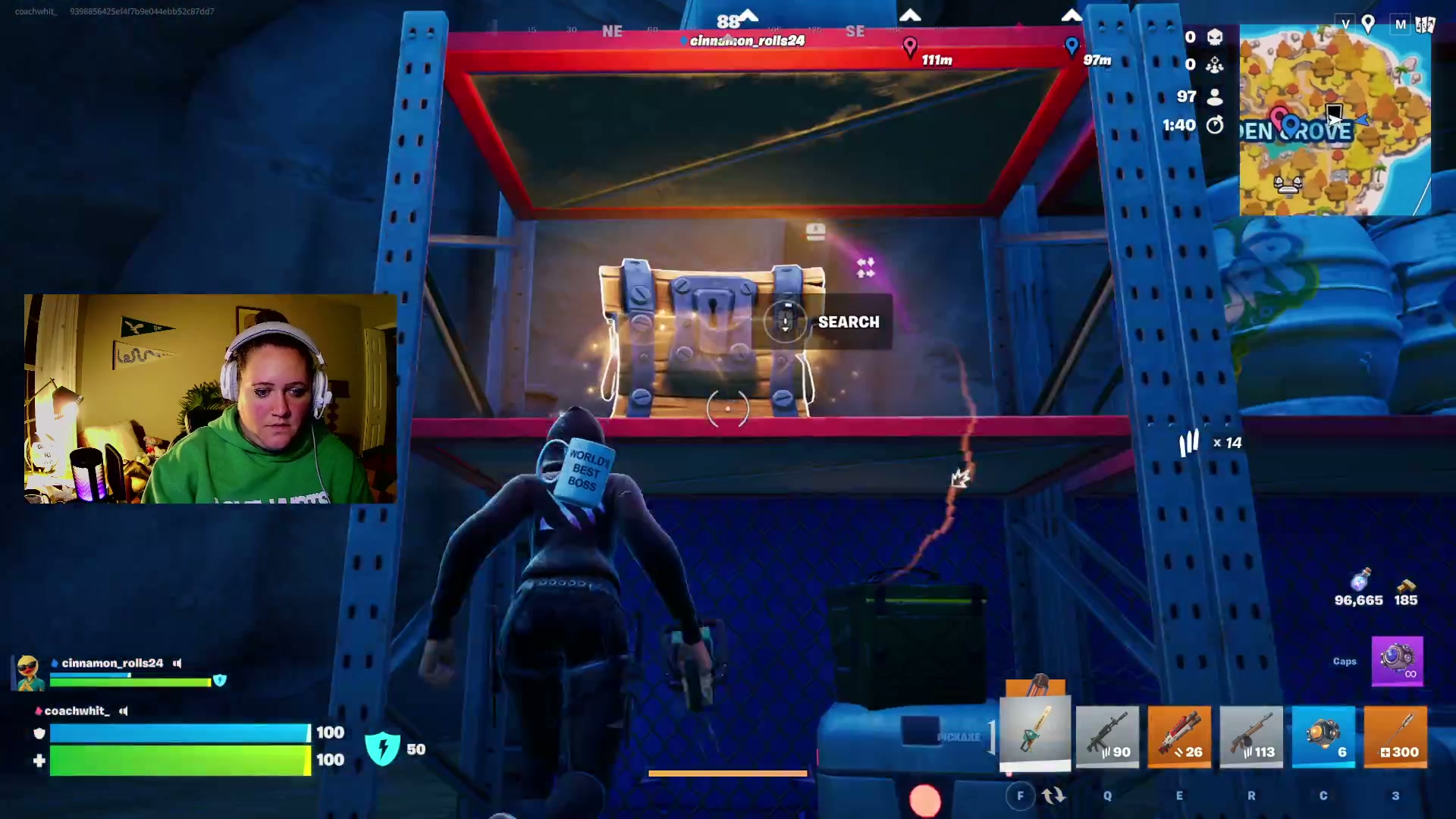


Why streamers use ClipBot
Grow off-platform without becoming an editor
AI that gets gaming
Clutch plays, fails, jump scares, chat going wild — it scores moments the way your viewers would.
Say “clip it”
Call a clip out loud mid-stream and ClipBot makes sure that moment is cut.
Shorts in one click
Stack facecam over gameplay in 9:16, add auto-captions, export for TikTok, Shorts and Reels.
Any length stream
Eight-hour marathon? No problem. ClipBot processes the whole broadcast at full quality.
Ping when it's ready
Get a Discord DM the moment your clips land, so you can post while the stream is still fresh.
Get discovered
Your clips appear on Discover, game pages and the weekly Leaderboard — free exposure to new viewers.
Clipping streams across every category
The difference
ClipBot vs. doing it yourself
| ClipBot.gg | Clipping by hand | |
|---|---|---|
| Time per stream | 0 minutes | 1–3 hours scrubbing VODs |
| Finds moments you missed | Transcript, chat & audio analysis | Only what you remember |
| Every stream covered | Automatic with AutoVod | When you have time |
| Vertical Shorts | Built-in editor + captions | Separate editing app |
| Watermarks | None | Depends on your tools |
Pricing
Start free. Upgrade when it's paying off.
Free trial
Try it on your real streams.
$0 for 4 weeks
- 1 broadcast clipped per week
- Up to 5 AI clips per broadcast
- AutoVod — no uploads, it just happens
- Download & share anywhere, no watermark
- Shorts editor with animated captions
- Your own public clip page
Most popular
ClipBot+
Every stream, clipped. Forever.
$4.99 / month
- Every broadcast clipped automatically
- Up to 15 AI clips per broadcast
- Priority processing
- Submit any past broadcast manually
- Cancel any time
FAQ
Questions streamers ask
How does ClipBot find my highlights?
When your stream ends, ClipBot downloads the past broadcast, transcribes it, reads chat activity and listens for big reactions. An AI then scores every moment and cuts the best ones into ready-to-share clips with a title and description.
Do I have to upload anything?
No. Log in with Twitch once and AutoVod picks up your past broadcasts automatically. Just make sure "Store past broadcasts" is turned on in your Twitch settings.
How long does it take?
Most broadcasts are clipped within 10–20 minutes of being picked up. You can watch the progress live on your dashboard.
Can I say "clip it" on stream?
Yes — voice-called clips are marked in your dashboard. When you shout for a clip, ClipBot makes sure that moment gets cut.
Are there watermarks?
Never. Download your clips in full quality and post them anywhere.
Can I turn clips into vertical Shorts?
Yes. Open any clip from your broadcast page and choose "Make a Short" to stack your facecam over gameplay in 9:16, add auto-captions and export.
What does it cost?
Every new streamer gets a 4-week free trial with one broadcast clipped per week. ClipBot+ is $4.99/month for every broadcast, more clips per stream and priority processing.
Can I hide a clip I don't like?
Yes. On your broadcast page, tap "Hide" on any clip. It disappears from your public profile, Discover and game pages, and tells ClipBot what you don't want.
Your next stream could already be clipped.
Log in with Twitch and ClipBot starts on your most recent broadcast straight away.
Start free with Twitch