How do you post your best stream moments as Twitch clips automatically? (2026)
ClipBot can post your best moments to your Twitch Clips tab for you, trimmed and titled, as soon as your clips are ready. How Top 3 and All moments work, what the titles look like, clean titles with clipbot_gg, and the 3,461 clips it posted for 110 streamers in October.
 ClipBot team · · 5 min read
Based on 3,461 Twitch clips ClipBot posted for 110 streamers from 457 broadcasts, October 10–30, 2026.
Your Twitch Clips tab is the highlight reel of your channel. It’s where a new viewer looks to see what your stream is like, and clips are what people share in Discord, on Reddit and on X. Most small channels have an almost empty one, because making clips by hand takes time nobody has after a long stream. ClipBot fills it for you.
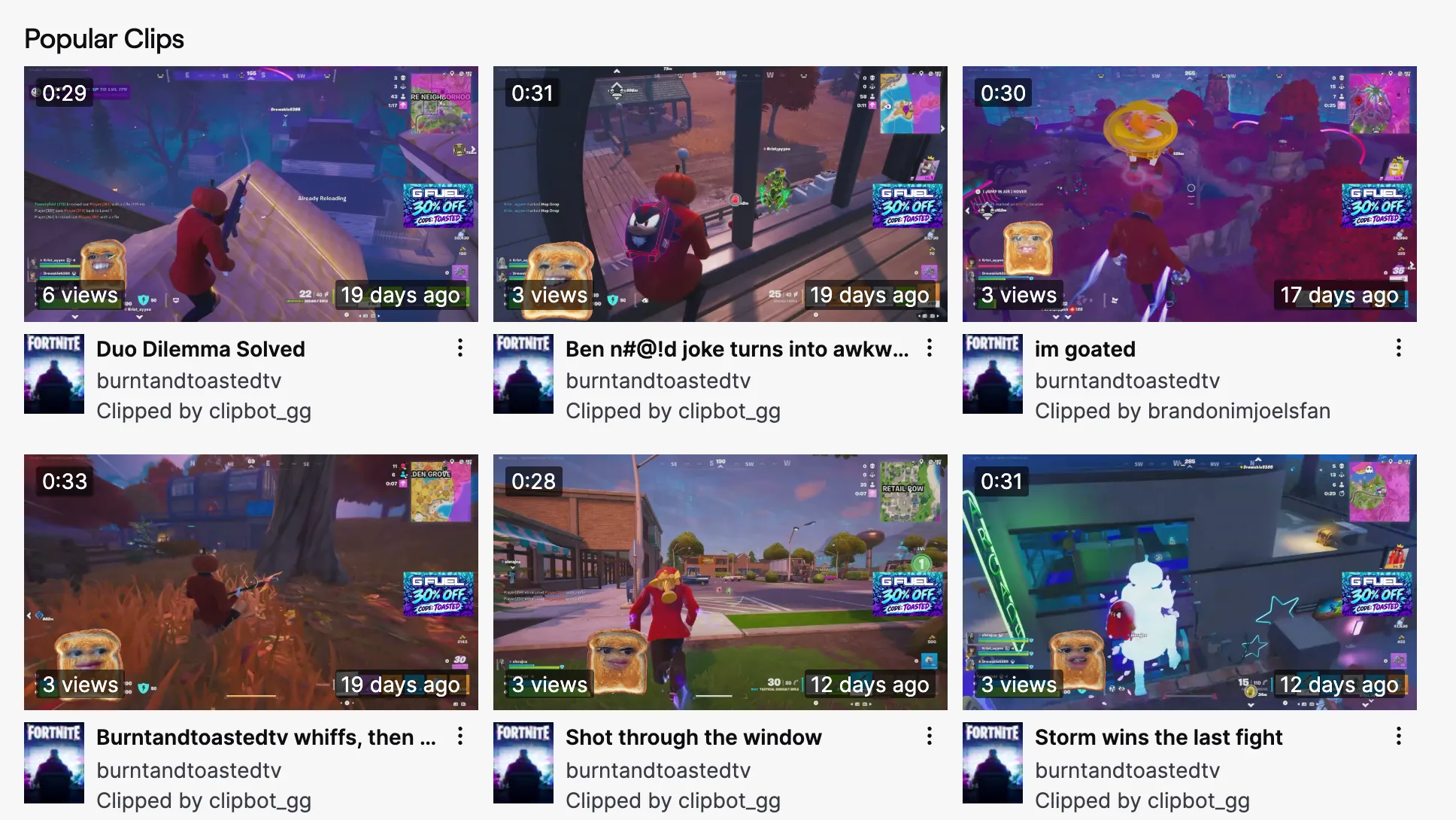
What does ClipBot post to my Twitch channel?
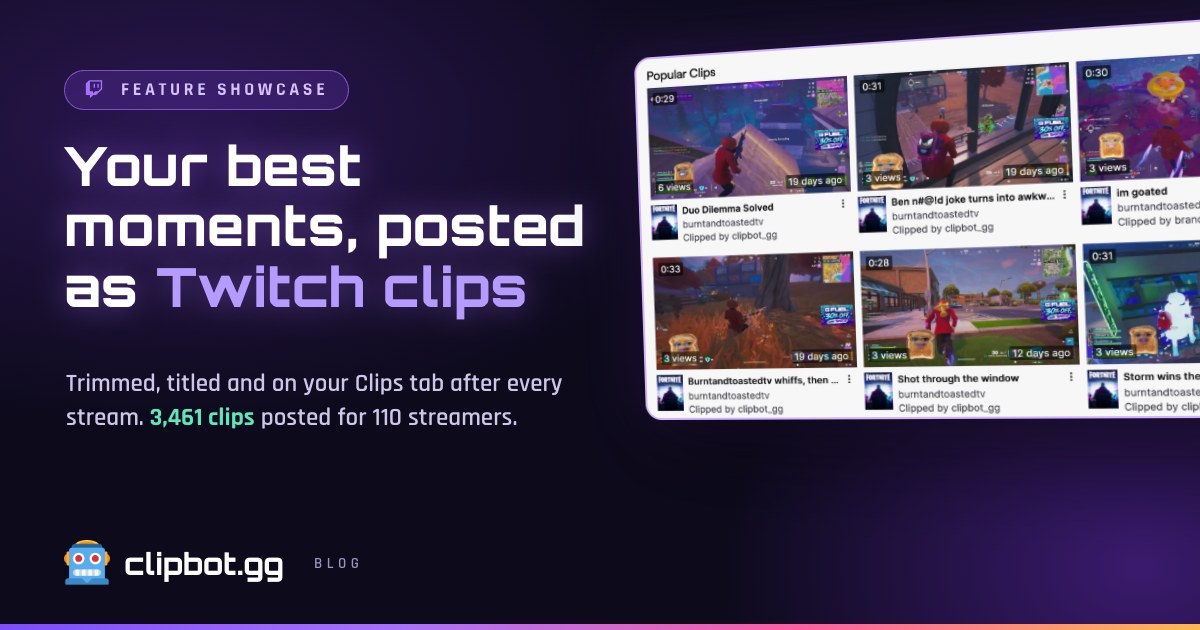
Real Twitch clips, the same kind a viewer makes with the clip button. Each one is about 30 seconds long and ends on the payoff, cut from your broadcast. They live on your channel, in your Clips tab, each with a Watch Full Video link back to the VOD.
Every clip gets a title that says what happens, like “Duo Dilemma Solved” or “Alexander drops a perfect shot”, instead of the stream title Twitch would use. There are two ways a clip can arrive:
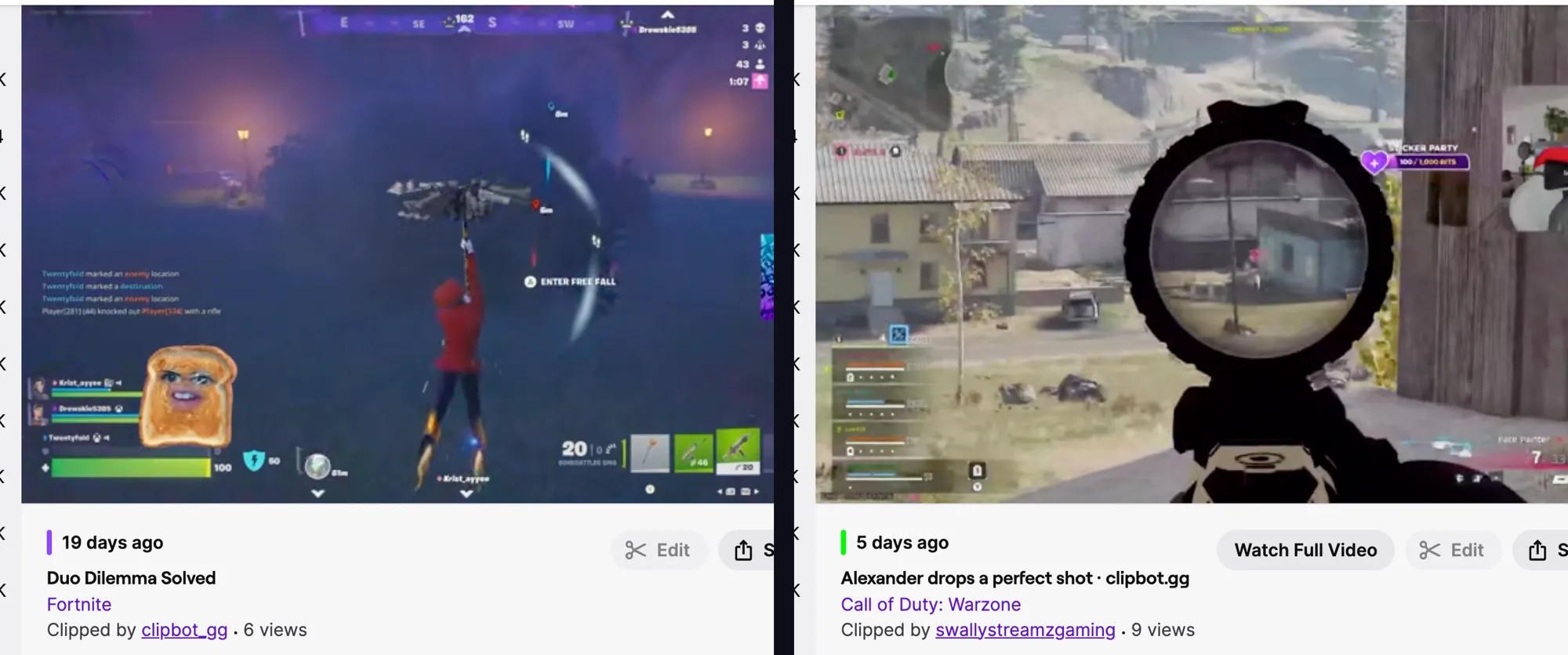
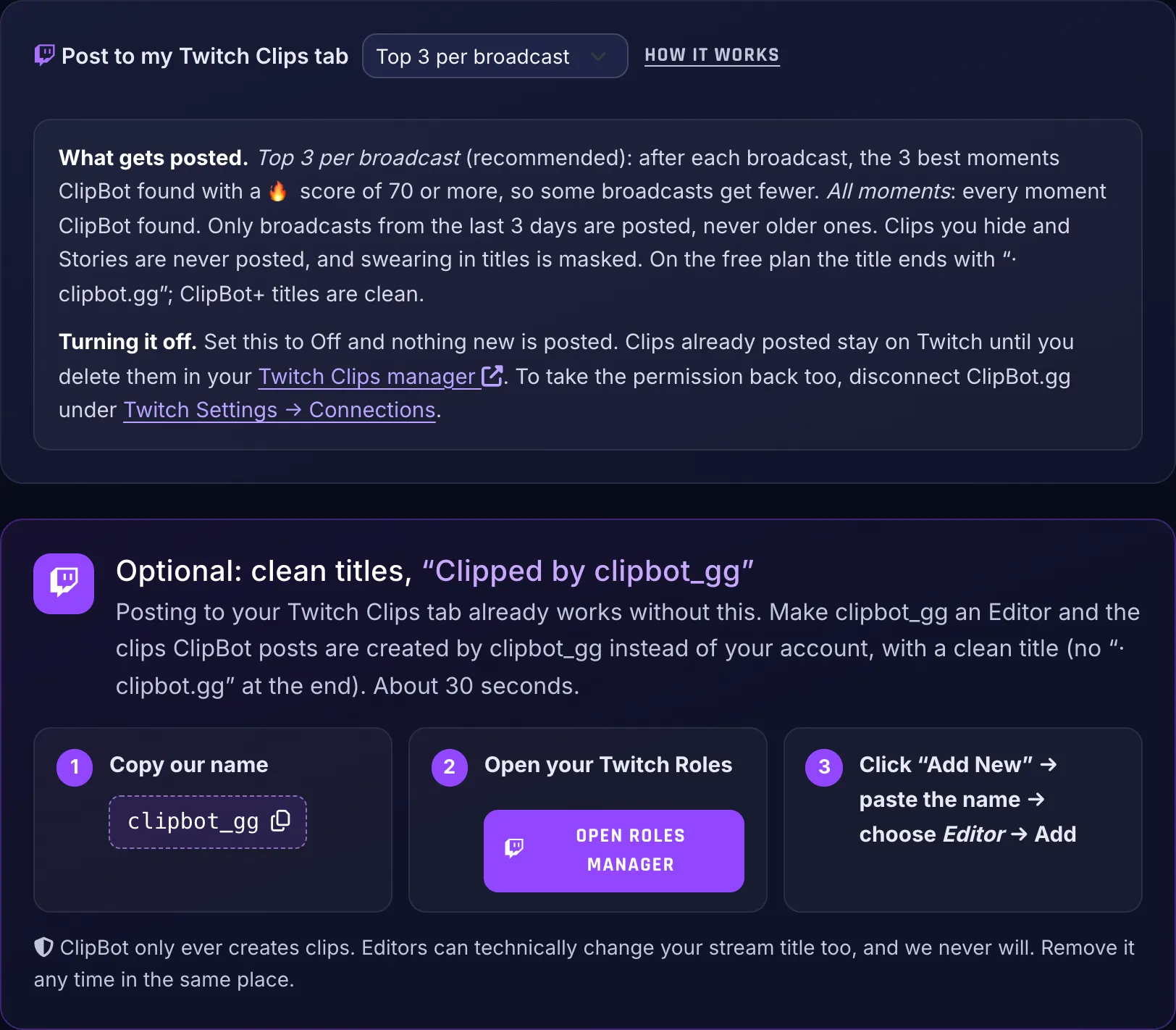
- With your login (the default). The clip is “Clipped by” you. On the free plan the title ends in “· clipbot.gg”. On ClipBot+ it’s just the title.
- As clipbot_gg (optional). Make
clipbot_ggan Editor on your channel and the clips come from our account with a clean title on any plan. The “Clipped by clipbot_gg” line is the only credit.
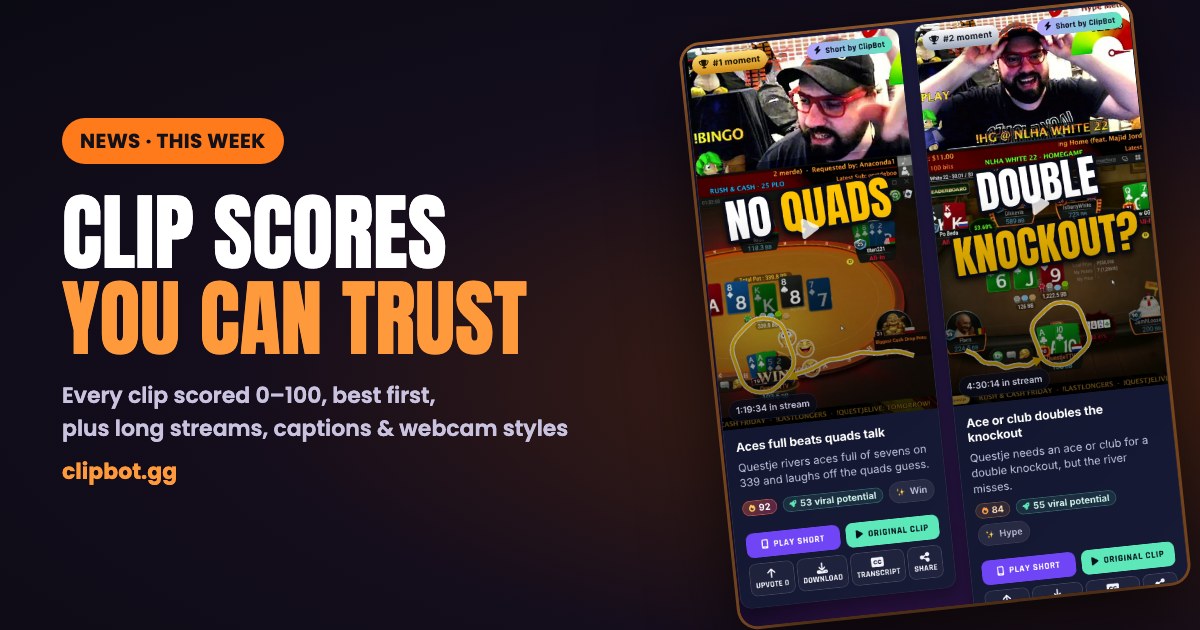
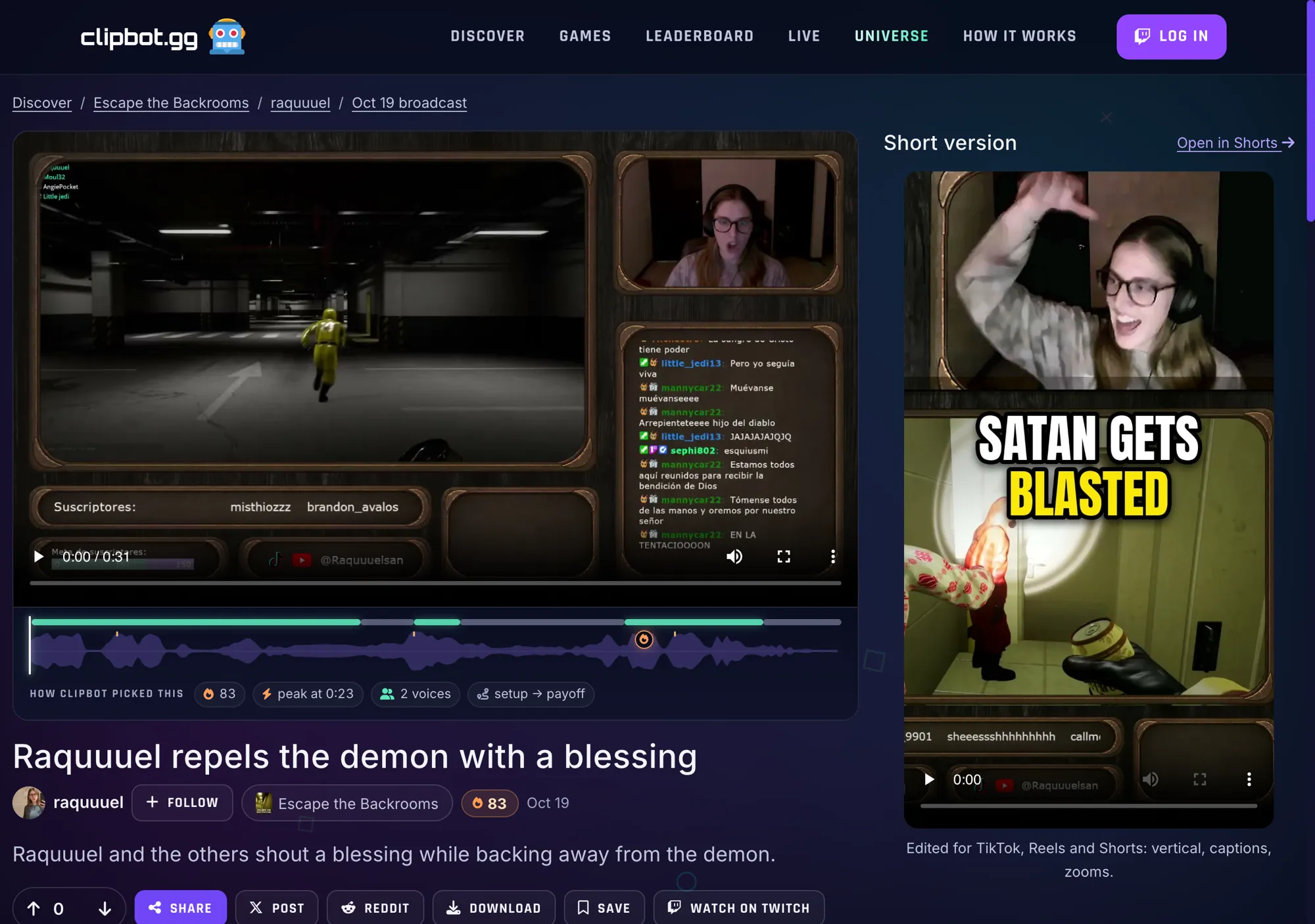
The same moment also has its own page on ClipBot, with the transcript, its 🔥 score and a vertical Short ready for TikTok, Reels and YouTube Shorts:
Why does it matter for a streamer?
New viewers find your best moments
A channel with a full Clips tab looks alive, even when you’re offline. When someone checks out your channel after a raid, a search or a shared link, your best moments from the last few streams are right there, not a blank page.
Clips are what people share
A Twitch clip is the easiest thing for a viewer to drop into a Discord server or a group chat, and every one links back to your channel and the full broadcast. The more good clips exist, the more chances someone has to send one.
It saves you an evening of clipping
Making a clip yourself means scrubbing the VOD, finding the moment, trimming it and naming it. ClipBot already finds your moments, so posting them costs you nothing. In three weeks it posted 3,461 clips that nobody had to make by hand.
How does ClipBot choose which moments to post?
You choose how much goes up:
- Top 3 per broadcast (recommended): your three best moments from each broadcast, and only ones with a 🔥 score of 70 or more. A quiet stream may get one or two, or none.
- All moments: every moment ClipBot finds.
- Off: nothing is posted.
Some things are never posted, whatever you pick:
- Clips you’ve hidden on ClipBot.
- Stories, because they’re stitched together from several parts of the stream.
- Old broadcasts. Only broadcasts from the last 3 days are posted, so turning it on never floods your channel with your back catalogue.
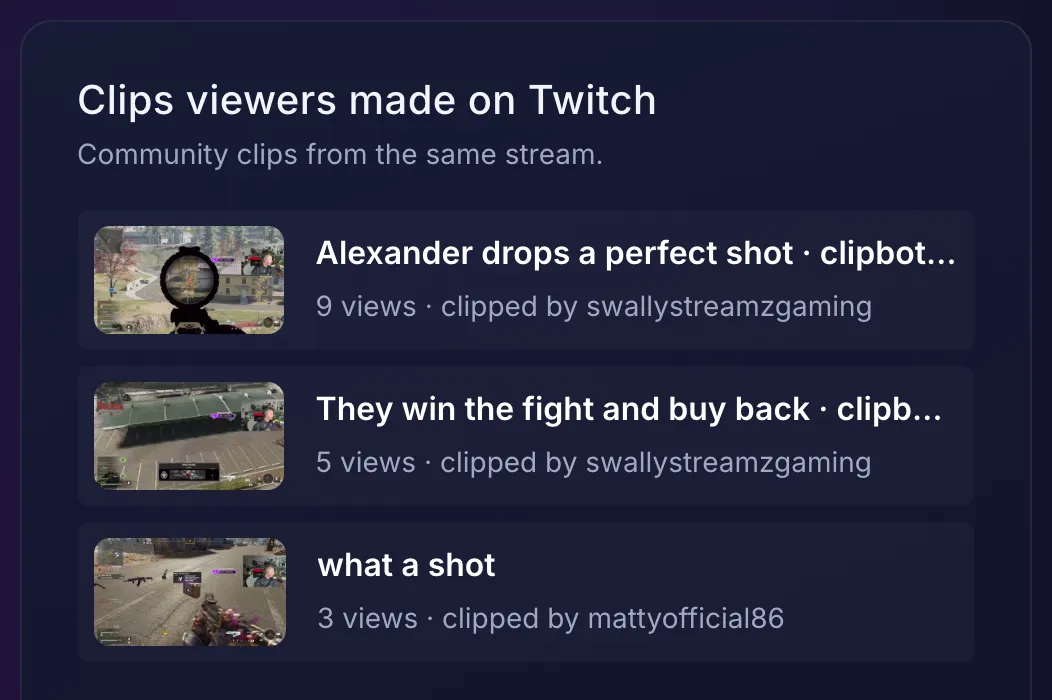
Here’s what Top 3 looks like on one broadcast. swallystreamzgaming’s Warzone stream on October 25 had five ClipBot moments. Two scored 🔥 98, and those two went to Twitch:
What do the titles look like?
Real titles ClipBot posted to streamers’ Twitch channels in October:
| Title on Twitch | Streamer | Game | Clipped by |
|---|---|---|---|
| Duo Dilemma Solved | burntandtoastedtv | Fortnite | clipbot_gg |
| Alexander drops a perfect shot · clipbot.gg | swallystreamzgaming | Call of Duty: Warzone | swallystreamzgaming |
| Raquuuel repels the demon with a blessing | raquuuel | Escape the Backrooms | clipbot_gg |
| Henry plans Trafford Centre trip | archieparkyy | IRL | clipbot_gg |
| Caasontop falls into a hidden hole | caasontop | Minecraft | clipbot_gg |
| Lv_vdz wipes three squads in a row · clipbot.gg | lv_vdz | Call of Duty | lv_vdz |
| Ldjv3_yt draws a dog in a suit · clipbot.gg | ldjv3_yt | Gartic Phone | ldjv3_yt |
Titles are written to make sense to someone who wasn’t watching. Swearing is masked cartoon-style, so “Gotcha, B#@!h!” goes up instead of the real word (20 titles so far), and a title with a slur is never posted at all. If Twitch still rejects a title, the moment goes up with a plain one like “Fortnite highlight”.
How do I turn it on (or off)?
- Sign in at clipbot.gg with Twitch. Twitch asks once to let ClipBot create clips on your channel.
- On your dashboard, set Post to my Twitch Clips tab to Top 3 per broadcast or All moments. You can also switch it on from the card on any of your broadcast pages, which shows exactly which clips would go up.
- Optional: add
clipbot_ggas an Editor in your Twitch Roles Manager for clean titles. It takes about 30 seconds.
How many clips has ClipBot posted so far?
From October 10 to 30, 2026, ClipBot posted 3,461 clips to 110 streamers’ channels, from 457 broadcasts.
Oct 10–11 and Oct 26–30 are part weeks. Since October 23, Top 3 per broadcast is the default, so each broadcast posts fewer, better clips.
Clips posted October 10–30, 2026, across 99 games and categories.
It works for any game or category, from Fortnite and ARC Raiders to Just Chatting and drawing games. 27 streamers have made clipbot_gg an Editor so far, which put 267 clips on their channels with clean titles.
Try it
Sign in with Twitch, and ClipBot clips your next broadcast. Turn on Post to my Twitch Clips tab on your dashboard, and your best moments show up on your channel as soon as your clips are ready.