ClipBot.gg vs clipbot.tv: two different tools with nearly the same name
ClipBot.gg finds new highlights inside your Twitch broadcasts. clipbot.tv reposts the Twitch clips you already have to TikTok and YouTube. Here’s how they differ and which one you need.
 ClipBot team · Facts checked
We get asked this a lot, so here’s the straight answer: ClipBot.gg and clipbot.tv are two different products from two different teams. The names are almost identical, but they solve different problems.
- you don’t have many clips yet and want the moments nobody clipped
- you want every broadcast scanned automatically
- you want the cheaper plan ($4.99/month)
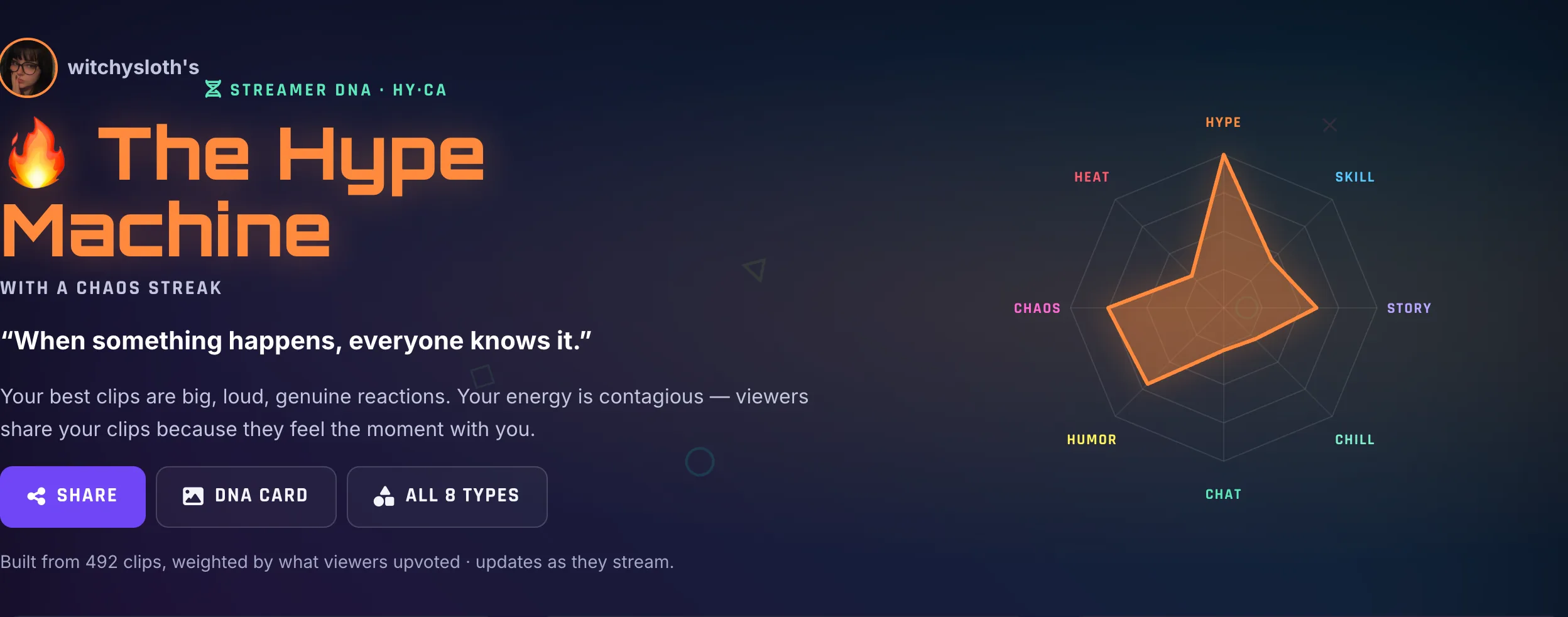
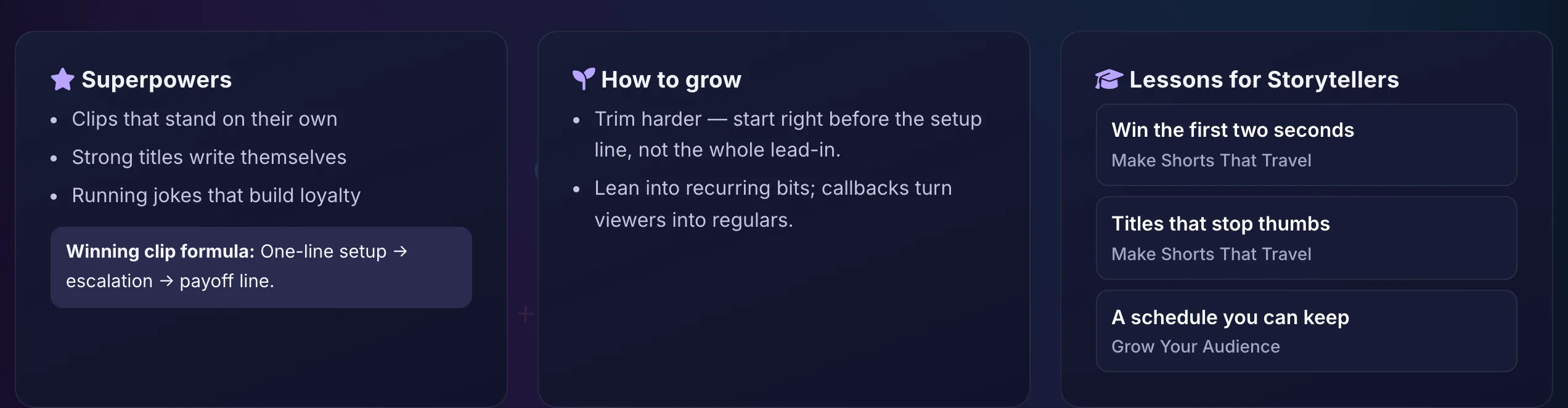
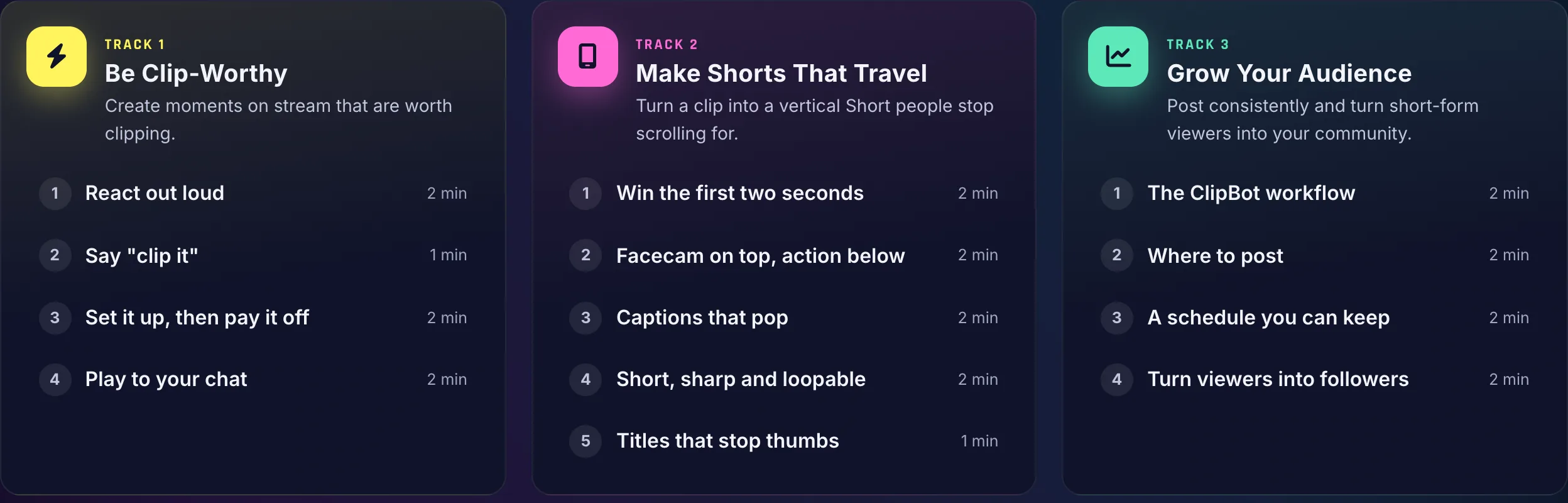
- you want more than clips: follower growth tracking, a stream timeline, “clip it” voice requests, your Streamer DNA and free coaching to grow
- your viewers already make plenty of clips
- you want them posted to TikTok and YouTube on a schedule without touching anything
At a glance
| Feature | ClipBot.gg | clipbot.tv |
|---|---|---|
| Where clips come from | Your full past broadcast (VOD), scanned by AI | Clips already made on your Twitch channel |
| How moments are picked | What you said, how loud it got, how busy chat was, “clip it” calls | Your existing clips, filtered by views |
| Finds moments nobody clipped | Yes | No |
| Vertical Shorts | Top 3 per stream, automatically, with your facecam detected for the layout, plus an editor | Yes |
| Captions | Word-by-word, every plan | Pro plan |
| Posts to TikTok / YouTube for you | No | Yes, with scheduling on Pro |
| Watermark | Never | Never |
| Free option | 4-week trial, no card | 7-day trial |
| Paid plan | $4.99/month | $9/month or $108/year |
| Say “clip it” on stream and it gets clipped | Yes | — |
| Tracks your Twitch follower growth | Yes | — |
| Learns your streaming style (Streamer DNA) | Yes | — |
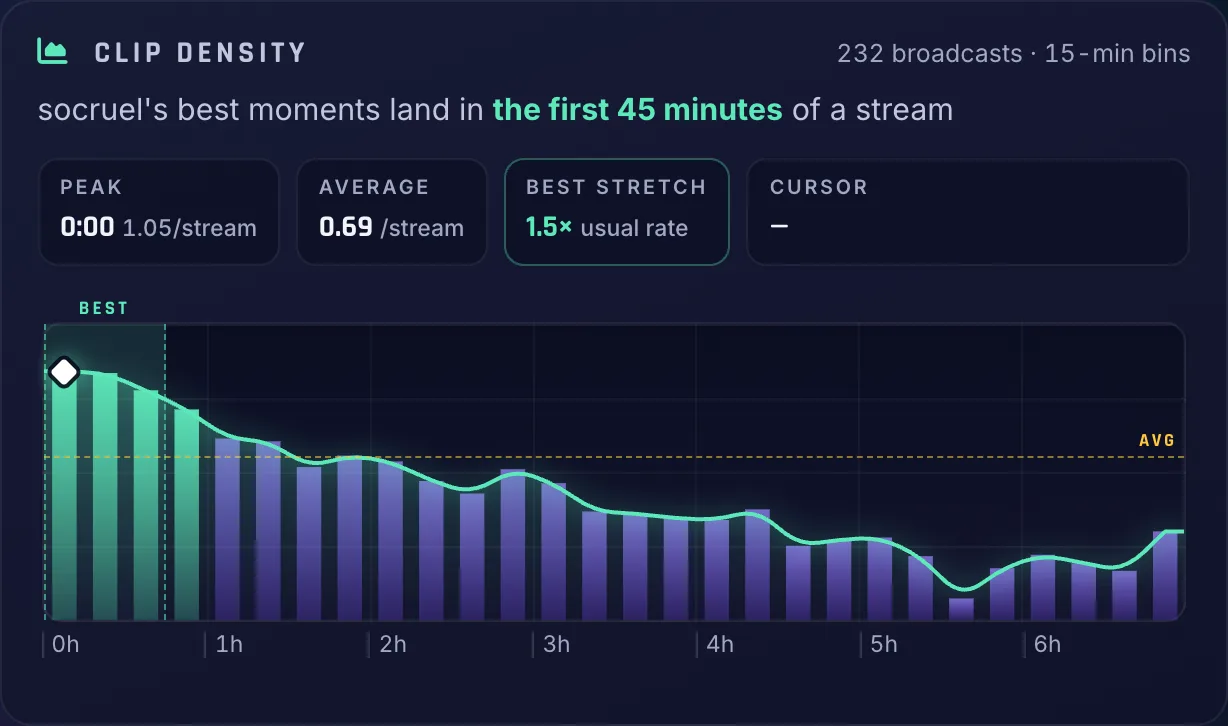
| Stream timeline: loudness, chat and every clip | Yes | — |
| Free coaching: Streamer University and tips for your style | Yes | — |
| Public profile, Discover and weekly leaderboards | Yes | — |
Only on ClipBot.gg
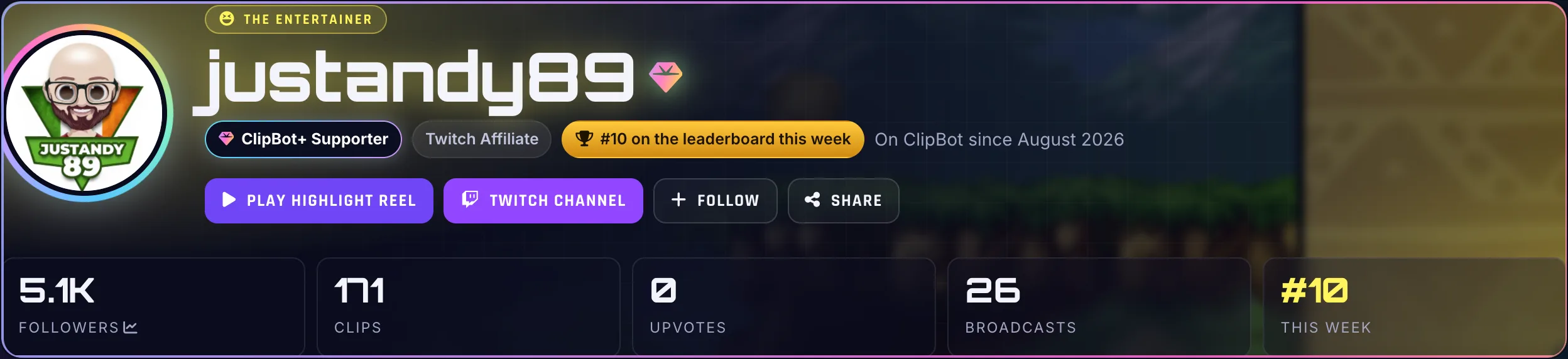
Finding clips is where ClipBot starts, not where it stops. These are real screenshots from the product.
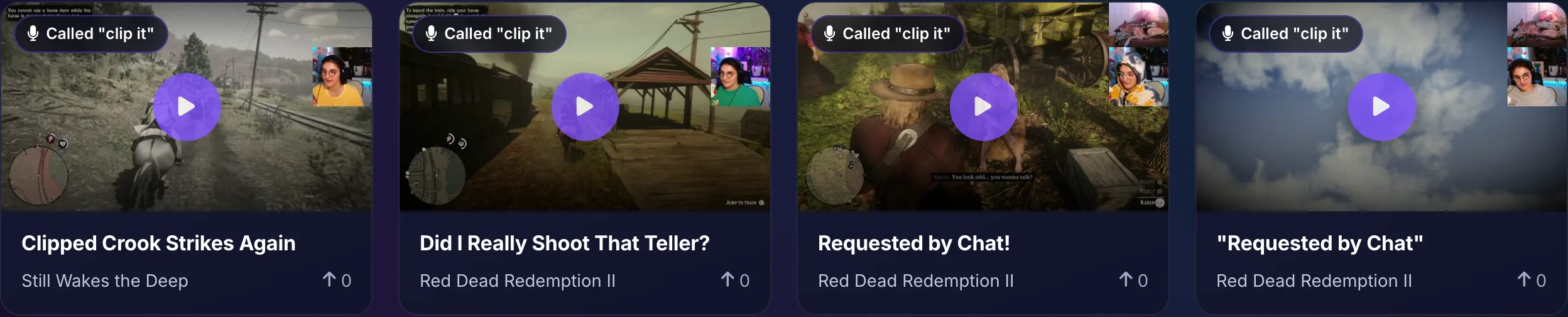
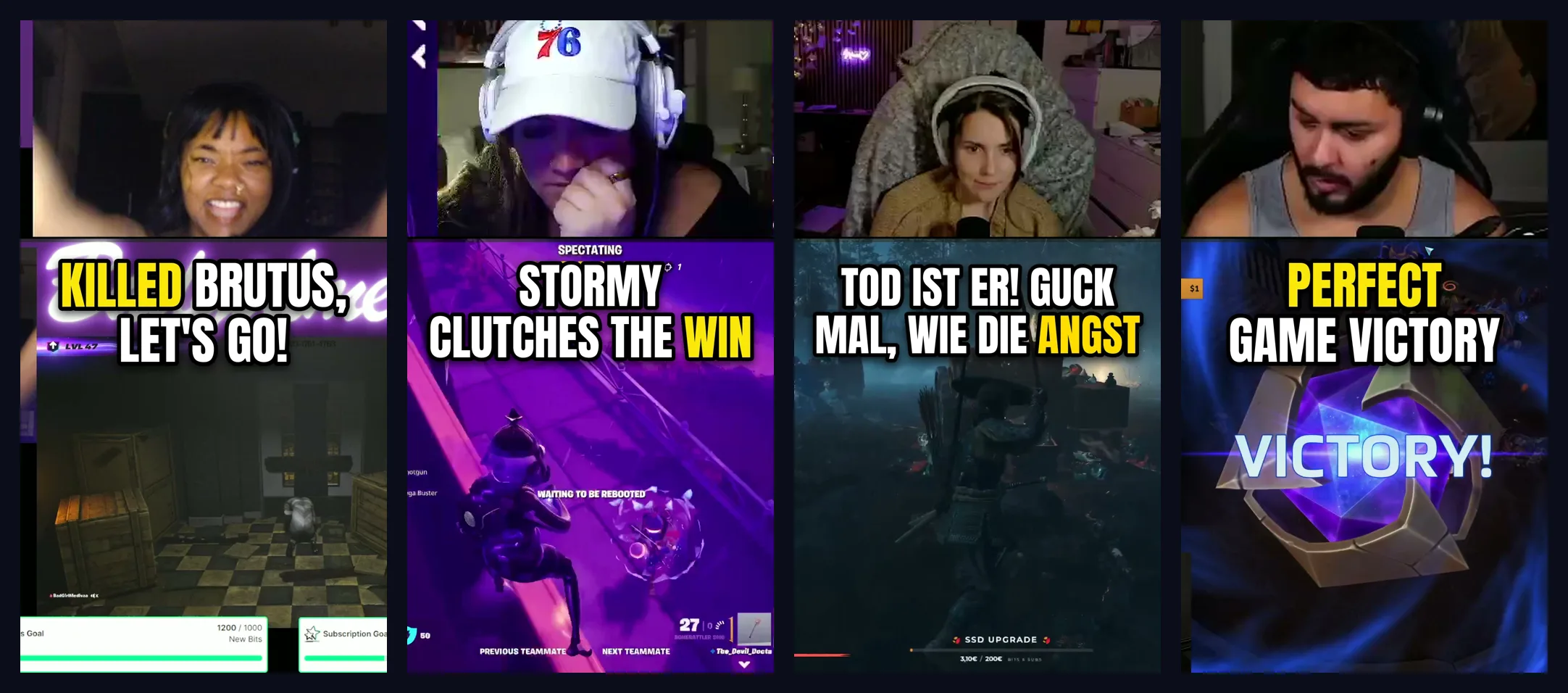
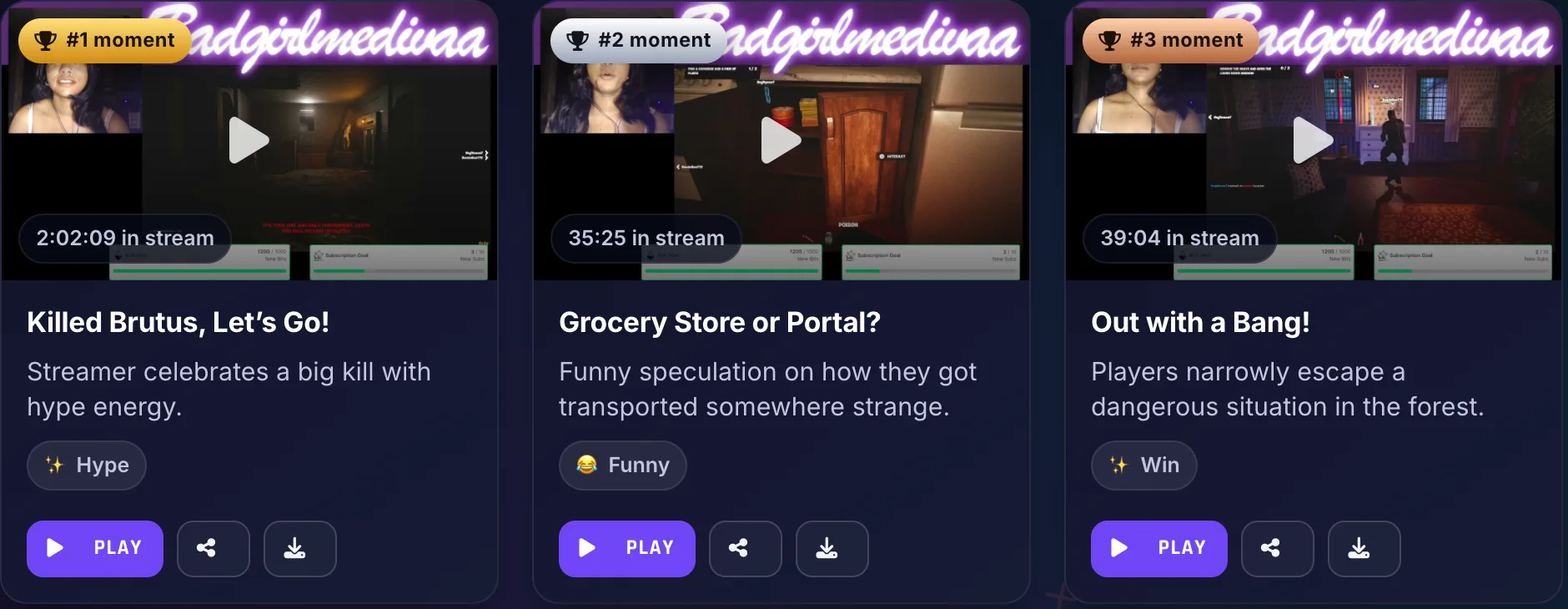

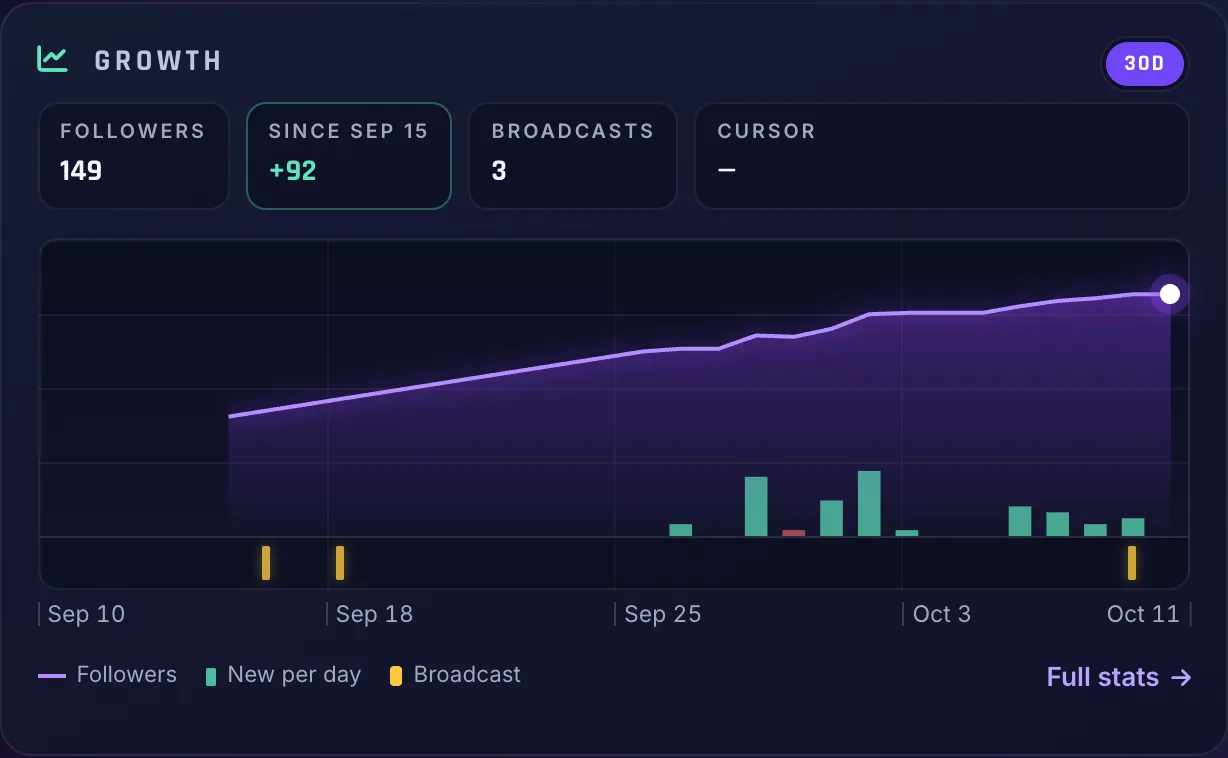
- A Discord DM the moment your clips are ready
- Hide a clip and ClipBot learns from it
- Works on Italian, Spanish, German, French and other non-English streams
- Never a watermark, even on the free trial
- An iPhone app is in development
The one-sentence difference
ClipBot.gg makes new clips. clipbot.tv posts the clips you already have.
ClipBot.gg goes through your whole past broadcast and picks out the moments worth sharing, including the ones nobody in chat thought to clip. clipbot.tv starts from the clips that already exist on your Twitch channel, picks the best ones by view count, reformats them vertically and uploads them to TikTok and YouTube Shorts for you.
How ClipBot.gg works
You log in with Twitch once. After every stream, ClipBot downloads the broadcast and listens to all of it: what you said, how loud it got, how hard chat went, and when someone called “clip it”. Moments where those spike together are the ones people actually want to watch. You get a ranked list of clips, best first, each with a title and description, and your top three come back as vertical Shorts with captions.
That matters most for small and mid-size streamers. If 15 people are watching, there might be one viewer-made clip from a four-hour stream, or none. The funniest moment of the night often never gets clipped at all.
How clipbot.tv works
clipbot.tv connects to your Twitch channel and fetches the clips that already exist. Its “best clip filtering” uses view counts to pick which to post, then it crops them to vertical and uploads them to YouTube Shorts and TikTok. On the Pro plan you get scheduled uploads, automated captions and performance insights. In their words, it handles “clip fetching, selection, vertical editing, captions, scheduling, and publishing.”
If your community already clips a lot, that’s a genuinely useful hands-off posting pipeline.
Which one should you use?
- Few or no viewer clips? ClipBot.gg. A posting tool can only post what exists.
- Plenty of viewer clips, no time to post? clipbot.tv is built for exactly that.
- Want both? They don’t overlap much. ClipBot.gg doesn’t post to social media for you; you download or share each clip yourself.
On price, ClipBot+ is $4.99 a month for every broadcast. clipbot.tv Pro is $9 a month or $108 a year. Neither adds a watermark.
Questions
Is ClipBot.gg the same as clipbot.tv?
Which is cheaper, ClipBot.gg or clipbot.tv?
Can I use both?
Sources
Competitor details come from their own websites, checked on October 10, 2026. Prices and features change, so check their site before you decide. Spotted something out of date? Tell us on X or Discord and we’ll fix it.
More comparisons
 Comparison
The best AI clip tools for Twitch streamers in 2026
Seven tools that turn Twitch streams into clips and Shorts, compared on what they actually do with your VODs, what they cost and who each one suits.
Comparison
The best AI clip tools for Twitch streamers in 2026
Seven tools that turn Twitch streams into clips and Shorts, compared on what they actually do with your VODs, what they cost and who each one suits.
 Comparison
ClipBot.gg vs Opus Clip for Twitch streamers
Opus Clip is a great all-round clipper for podcasts and YouTube videos. ClipBot.gg is built only for Twitch. Here’s what that means for features, workflow and price.
Comparison
ClipBot.gg vs Opus Clip for Twitch streamers
Opus Clip is a great all-round clipper for podcasts and YouTube videos. ClipBot.gg is built only for Twitch. Here’s what that means for features, workflow and price.
 Comparison
ClipBot.gg vs Eklipse: AI highlights for Twitch, compared
Eklipse and ClipBot.gg both scan your streams for highlights and make vertical clips. They differ on platforms, what “free” gets you, and price.
Comparison
ClipBot.gg vs Eklipse: AI highlights for Twitch, compared
Eklipse and ClipBot.gg both scan your streams for highlights and make vertical clips. They differ on platforms, what “free” gets you, and price.