ClipBot.gg vs Eklipse: AI highlights for Twitch, compared
Eklipse and ClipBot.gg both scan your streams for highlights and make vertical clips. They differ on platforms, what “free” gets you, and price.
 ClipBot team · Facts checked
Eklipse and ClipBot.gg are close cousins: both look through your streams for highlights and turn them into vertical clips. The differences are in which platforms they cover, what you get for free, and what you pay.
- you stream on Twitch and want to actually download clips during the trial
- you want chat and voice to drive what gets clipped
- you want the lower monthly price ($4.99)
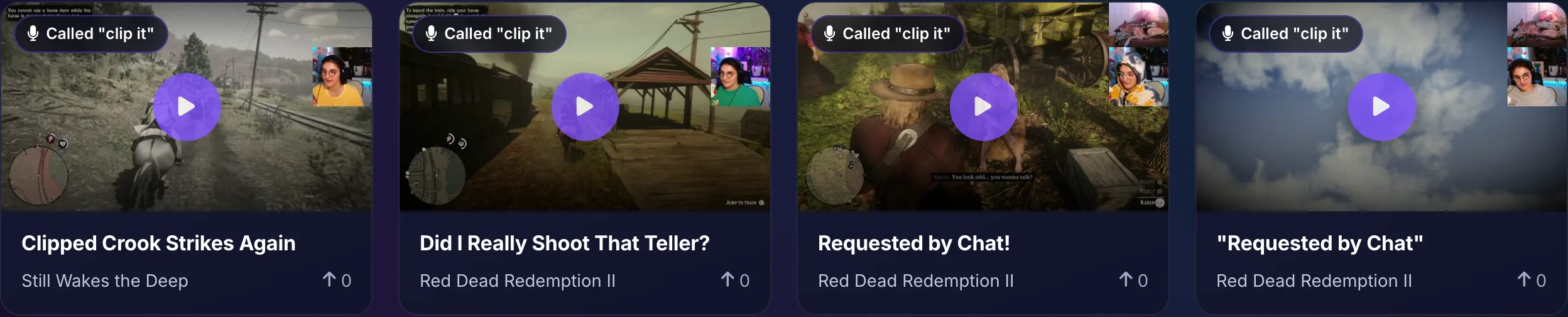
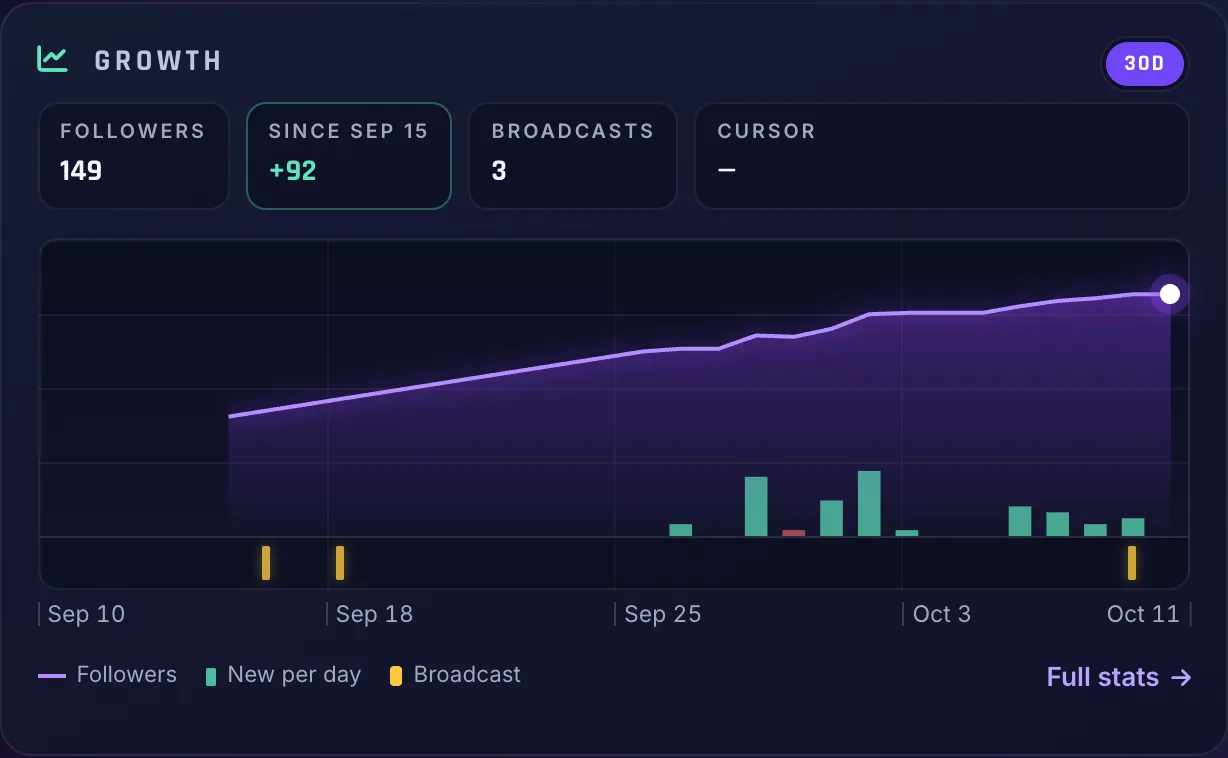
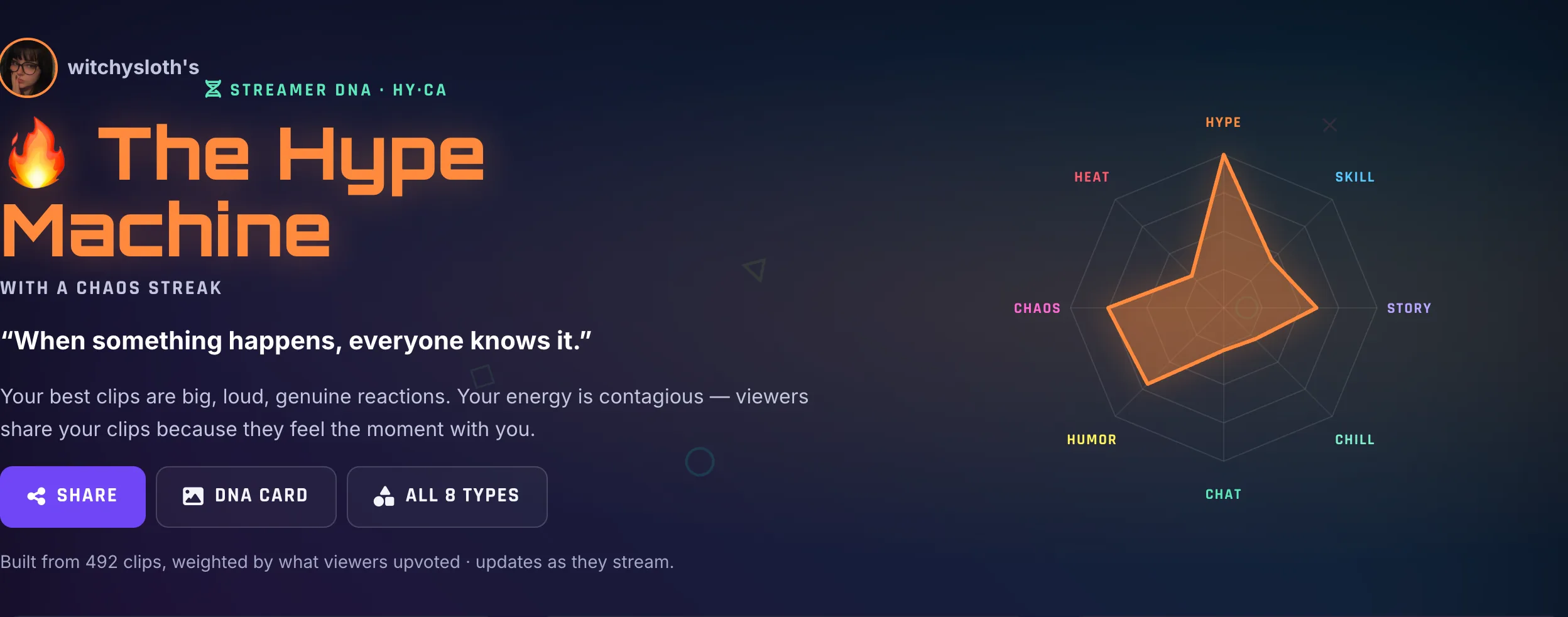
- you want more than clips: follower growth tracking, a stream timeline, “clip it” voice requests, your Streamer DNA and free coaching to grow
- you also stream on Kick
- you want lots of meme templates and effects
- you’re happy paying for an annual plan
At a glance
| Feature | ClipBot.gg | Eklipse |
|---|---|---|
| Platforms | Twitch | Twitch and Kick streams, plus YouTube videos |
| Scans full broadcasts for new moments | Yes | Yes |
| Vertical Shorts with captions | Yes | Yes |
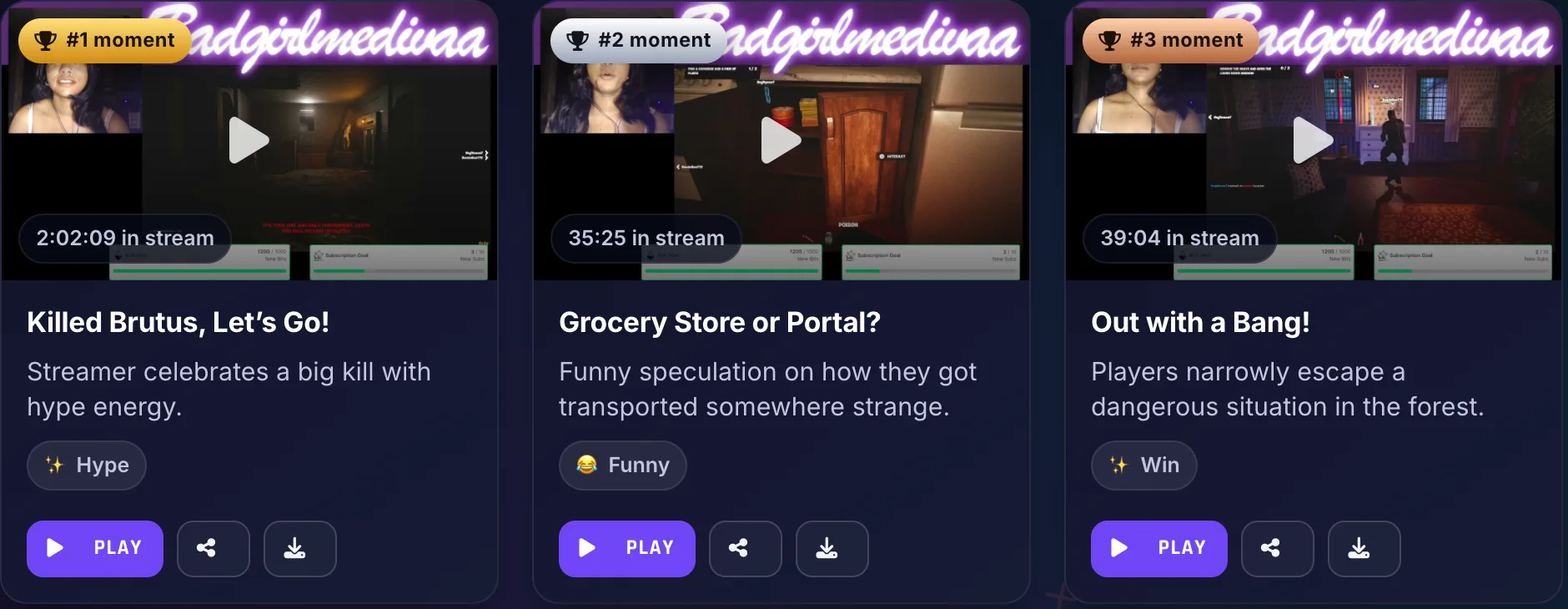
| Ranked clips with AI titles and descriptions | Yes | — |
| Posting to social networks | No | Content Publisher |
| Watermark | Never | None on Premium |
| Free option | 4-week trial: real clips you can download | Free plan previews one scan; no export or download |
| Paid plan | $4.99/month | $24.99/month or $179.99/year |
| Say “clip it” on stream and it gets clipped | Yes | — |
| Tracks your Twitch follower growth | Yes | — |
| Learns your streaming style (Streamer DNA) | Yes | — |
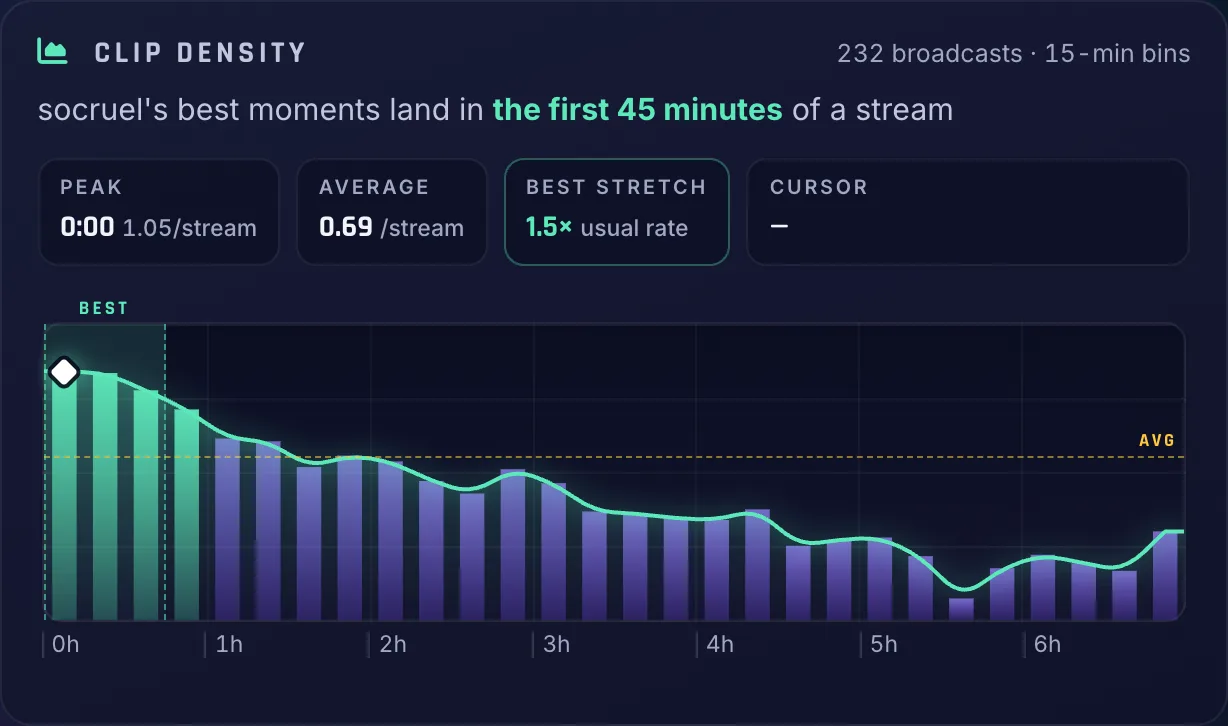
| Stream timeline: loudness, chat and every clip | Yes | — |
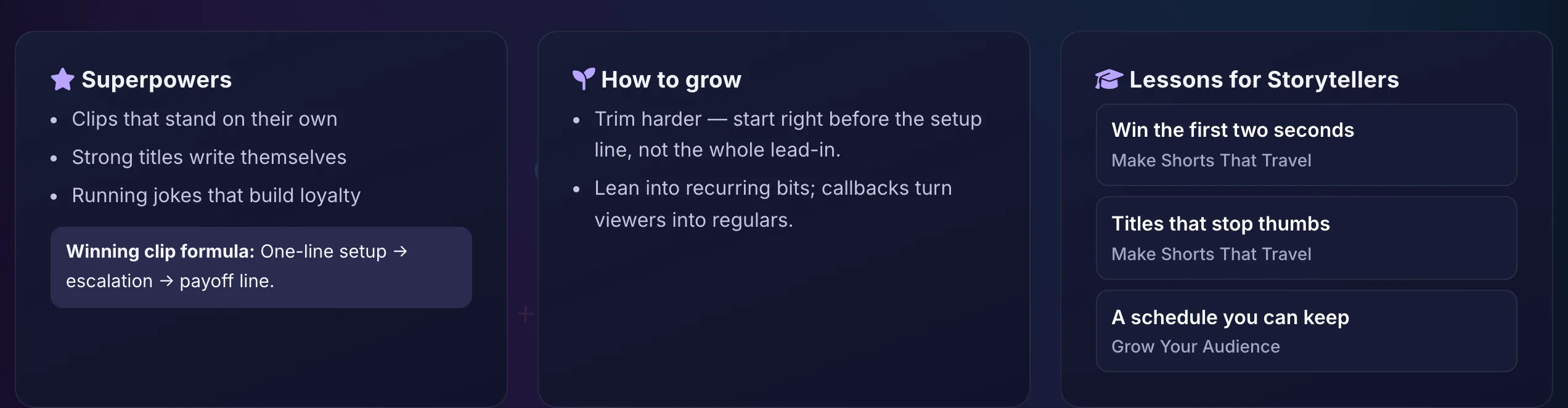
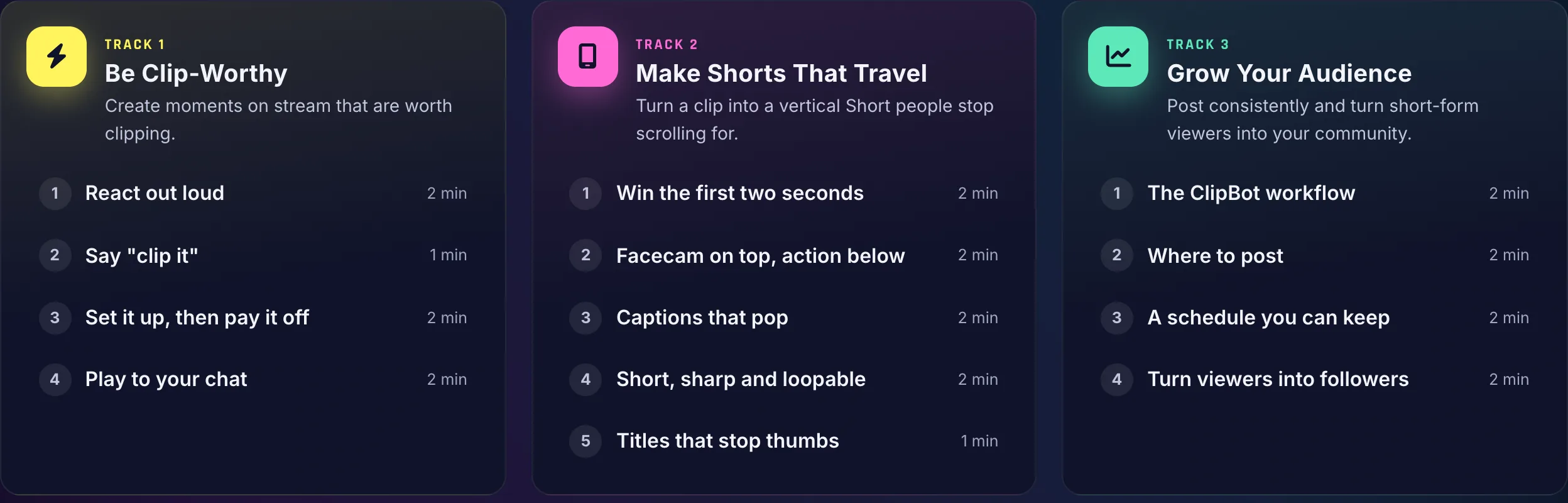
| Free coaching: Streamer University and tips for your style | Yes | — |
| Public profile, Discover and weekly leaderboards | Yes | — |
Only on ClipBot.gg
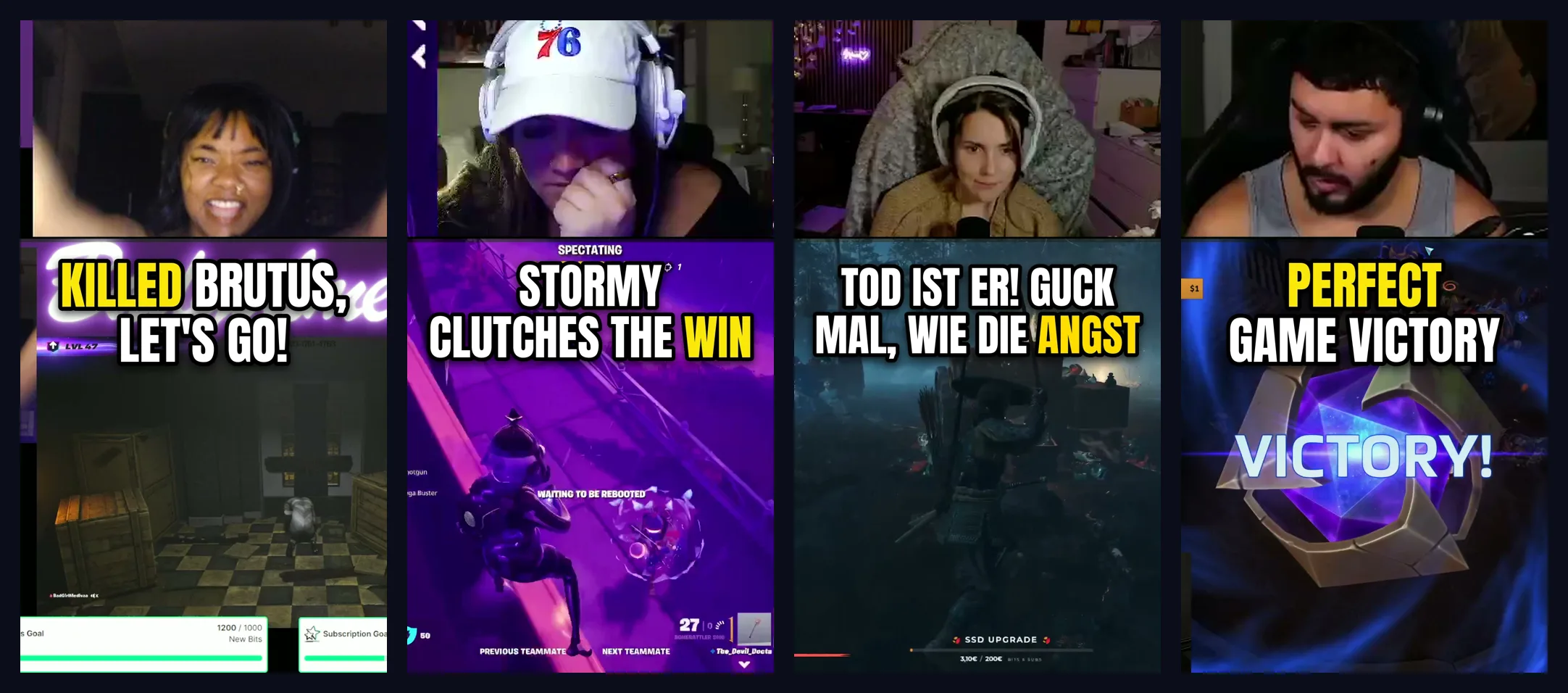
Finding clips is where ClipBot starts, not where it stops. These are real screenshots from the product.

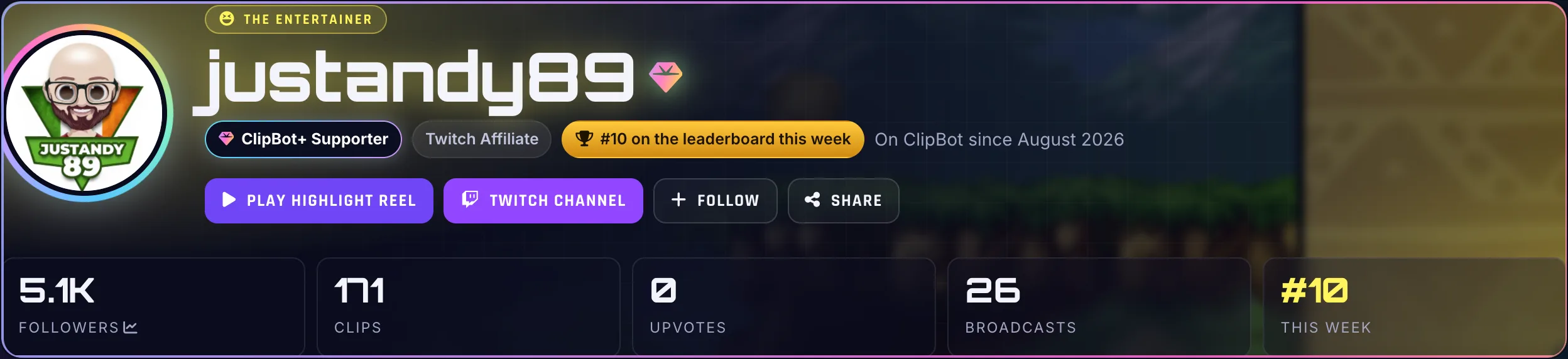
- A Discord DM the moment your clips are ready
- Hide a clip and ClipBot learns from it
- Works on Italian, Spanish, German, French and other non-English streams
- Never a watermark, even on the free trial
- An iPhone app is in development
What both do well
Both tools save you from scrubbing through hours of VOD. Both find highlights in your full stream rather than relying on clips viewers already made, and both turn them into vertical videos for TikTok, YouTube Shorts and Reels.
The real differences
Platforms
Eklipse supports Kick as well as Twitch. ClipBot.gg is Twitch-only for now. If you multistream to Kick, that’s a real point for Eklipse.
What “free” means
This is the big one. Eklipse’s own help page says its free plan lets you preview one recent stream scan, but you can’t export or download clips without Premium. ClipBot.gg’s free trial runs for 4 weeks and gives you real clips and Shorts you can download and post, with no watermark and no card.
Price
Eklipse Premium is $24.99 a month, or $179.99 a year (about $15 a month). ClipBot+ is $4.99 a month, every broadcast.
How moments are chosen
ClipBot.gg listens to the whole broadcast and scores moments on what you said, how loud it got and how hard chat went, so it works as well for Just Chatting as for shooters. Every clip comes back ranked, with a title and description written for you, and your top three are turned into Shorts automatically.
Eklipse leans more into editing extras: meme templates, effects and a Content Publisher for planning posts.
Which one should you pick?
Stream on Kick, or want lots of meme-style templates? Eklipse. Stream on Twitch and want the most clips for the least money, with a trial that actually lets you post what it finds? ClipBot.gg.
Questions
Is Eklipse free?
Does Eklipse work with Kick?
What’s the best Eklipse alternative for Twitch?
Sources
Competitor details come from their own websites, checked on October 10, 2026. Prices and features change, so check their site before you decide. Spotted something out of date? Tell us on X or Discord and we’ll fix it.
More comparisons
 Comparison
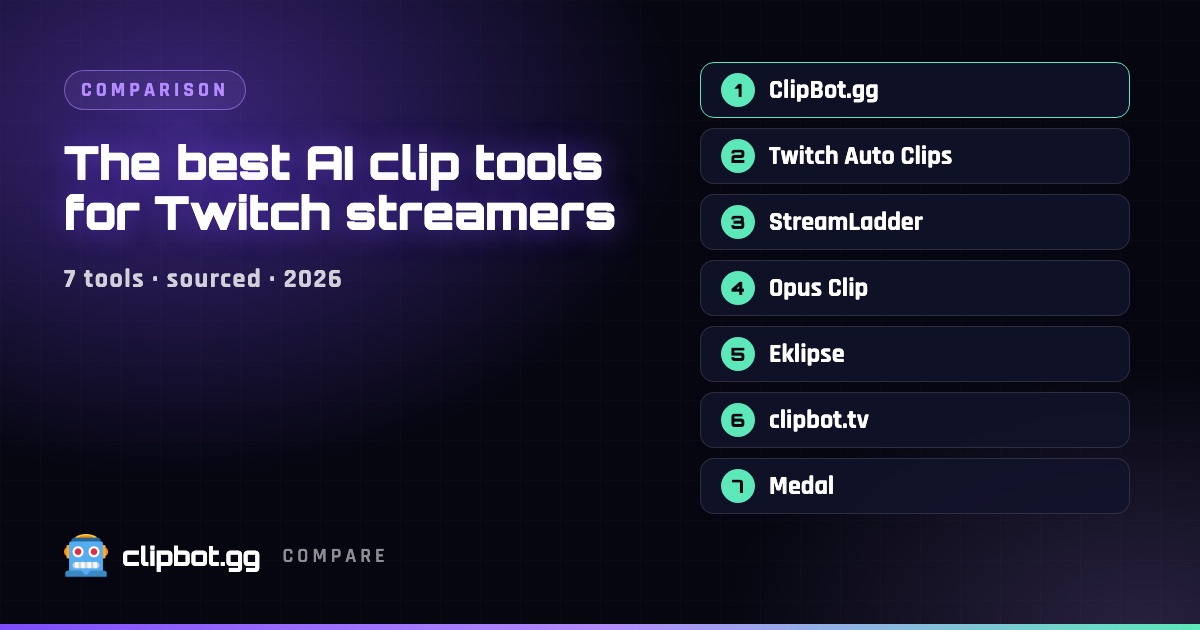
The best AI clip tools for Twitch streamers in 2026
Seven tools that turn Twitch streams into clips and Shorts, compared on what they actually do with your VODs, what they cost and who each one suits.
Comparison
The best AI clip tools for Twitch streamers in 2026
Seven tools that turn Twitch streams into clips and Shorts, compared on what they actually do with your VODs, what they cost and who each one suits.
 Comparison
ClipBot.gg vs clipbot.tv: two different tools with nearly the same name
ClipBot.gg finds new highlights inside your Twitch broadcasts. clipbot.tv reposts the Twitch clips you already have to TikTok and YouTube. Here’s how they differ and which one you need.
Comparison
ClipBot.gg vs clipbot.tv: two different tools with nearly the same name
ClipBot.gg finds new highlights inside your Twitch broadcasts. clipbot.tv reposts the Twitch clips you already have to TikTok and YouTube. Here’s how they differ and which one you need.
 Comparison
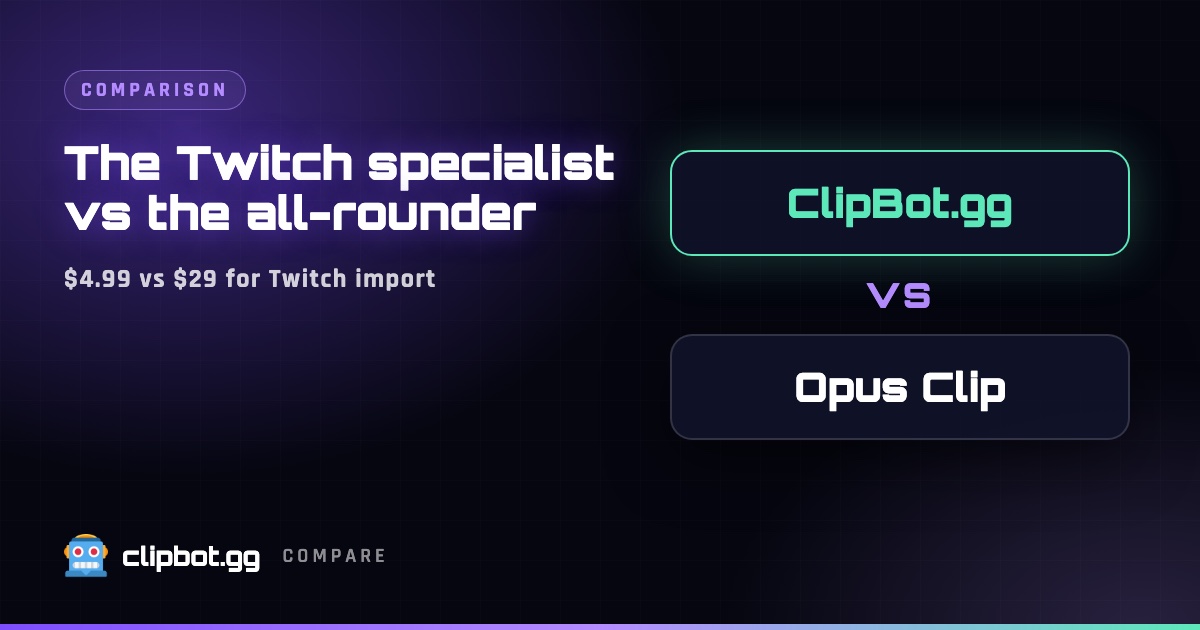
ClipBot.gg vs Opus Clip for Twitch streamers
Opus Clip is a great all-round clipper for podcasts and YouTube videos. ClipBot.gg is built only for Twitch. Here’s what that means for features, workflow and price.
Comparison
ClipBot.gg vs Opus Clip for Twitch streamers
Opus Clip is a great all-round clipper for podcasts and YouTube videos. ClipBot.gg is built only for Twitch. Here’s what that means for features, workflow and price.