We blind-tested ClipBot against six AI clipping tools, came second to last, and rebuilt our Shorts
The same 55 minutes of a Twitch broadcast went through ClipBot and six other AI clipping tools, rated blind. We scored 2.4 out of 5. Three rounds of rebuilding later, our editing averages 4.8 and our best Shorts are rated 5/5.
 ClipBot team · · 7 min read
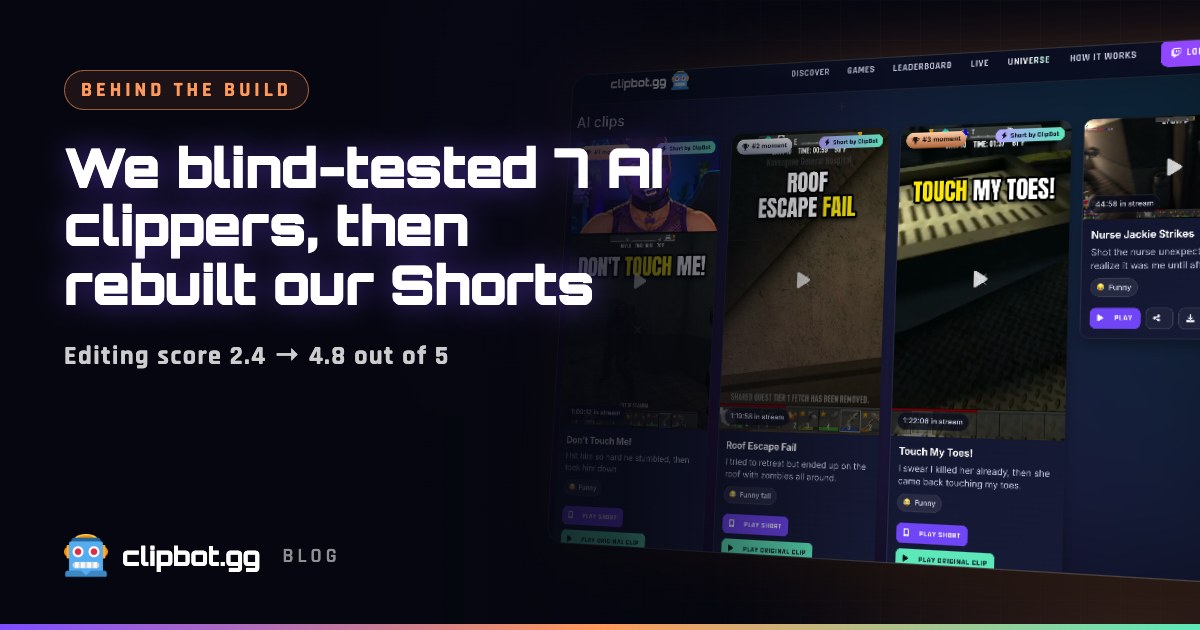
It’s easy to think your own clips are great. So in October we ran a test we couldn’t fudge: the same stretch of a Twitch broadcast went through ClipBot and six other AI clipping tools, and every tool’s best clips were rated blind. ClipBot came second to last. This is what the notes said, what we rebuilt, and how we got from 2.4 out of 5 to 5/5 on our best clips.
How the test worked
We picked a 55-minute stretch of one Just Chatting broadcast with two people on one camera. That’s a hard case: no gameplay to lean on, just people talking, and stories that take a minute or two to land. We gave the exact same footage to ClipBot and to six other AI clipping tools, and took each tool’s top five clips.
Then the clips were rated blind. Every tool was hidden behind a letter, so nobody knew whose clip was whose. Each clip got two scores and a written note:
- Content, 1 to 5: is this a great moment, and does the clip tell the whole story?
- Editing, 1 to 5: does the Short look and feel like a pro made it?
We also ran an objective check alongside the ratings: which moments had the broadcast’s own viewers clipped on Twitch? That’s the same yardstick we use to test every change to how ClipBot picks moments.
The first result: second to last
ClipBot averaged 2.4 out of 5 for content and 2.4 for editing. Only one tool scored lower.
The notes were more useful than the scores. The good news was that ClipBot had found the right moments. The bad news was everything after that:
- We cut too short. “Start and end miss the whole clip.” “The context from the story is missing.” Our clips started late and stopped early, so a stranger couldn’t follow them.
- Our edits were plain. Next to tools with cuts and zooms, a ClipBot Short looked like a crop of the stream with captions on top.
The rebuild, round by round
We rebuilt the editing in rounds. After each round we ran the same footage again and rated it blind again, behind a letter like before, so we couldn’t grade our own homework.
Average of each tool’s top five clips, rated blind. “Best other tool” is the highest-scoring of the six other tools.
- First test: 2.4 content, 2.4 editing. The right moments, cut too short, edited plainly.
- Round 2: 4.0 content, 3.8 editing. Clips now follow the whole story, and dead air is cut out. The notes moved on to new complaints: captions sitting over faces, and no full-screen shot of whoever was talking.
- Round 3: 4.2 content, 4.8 editing. Full-screen speaker framing and captions that stay off faces. 3 of our top five were rated 5/5 for both content and editing.
- Round 4: titles. By now the notes called titles the weak spot. One of them described the wrong thing entirely. We rewrote how titles are made.
The best-scoring other tool averaged 4.25 for content and 4.5 for editing. So after round 3, ClipBot leads on editing (4.8) and is level on content (4.2). Not every clip is a 5/5, and we won’t pretend it is, but our best clips now are, and the average editing score went from 2.4 to 4.8.
What changed in your clips
All of this is live now, for every streamer.
Clips that tell the whole story
- Whole-story timing on talk-heavy streams. A clip no longer has a fixed length. It starts where the story begins and ends after the payoff, once the reaction has landed. That’s exactly what the “missing context” notes were asking for. (Here’s how start and end points worked before.)
- Titles that read like a one-line story. Titles and descriptions are now written from the whole story, not one sentence of it, and use the streamer’s name, something like “Alex loses a bet to chat” instead of a vague “Crazy Moment!”. The Short also gets a short hook on its title card.
Edits that look like an editor made them
- Jump cuts. Dead air between sentences is cut out, so talking clips keep moving. On gaming streams we only cut real silences of a second or more, and never around the big moment itself.
- Punch-in zooms on the beat, so the punchline or the big reaction hits harder.
- Full-screen speaker framing. On Just Chatting streams with two people on one camera, the Short cuts to a full-screen vertical shot of whoever is talking, then back to a two-shot for the reactions. To tell talking from laughing, ClipBot reads mouth movement on our own hardware, and it works out who’s talking during the stream itself.
- Captions that stay out of the way. Captions are placed shot by shot, so they never cover a face or the title card.
- A reaction cut-in for gaming. Right after the big play, your webcam takes over most of the screen for about two seconds, so viewers see your reaction, then it’s back to the game.
- Smooth gameplay. Gameplay keeps its full 60 frames per second, and clips that are mostly black screen, like loading screens or a stream blacking out, are skipped.
Better picks, more Shorts, faster
- A viral score picks which clips become Shorts. Each moment is scored on its hook, its payoff, whether it makes sense to a stranger, the emotion in it and how shareable it is. A moment can be great to watch on ClipBot and still make a weak Short, so this score decides which ones get the Short treatment.
- 5 Shorts per broadcast, up from 3. Auto Shorts launched with your top three moments. Now you get five.
- Faster renders: about 30 to 40 seconds per Short.
Watch them in the new For You feed
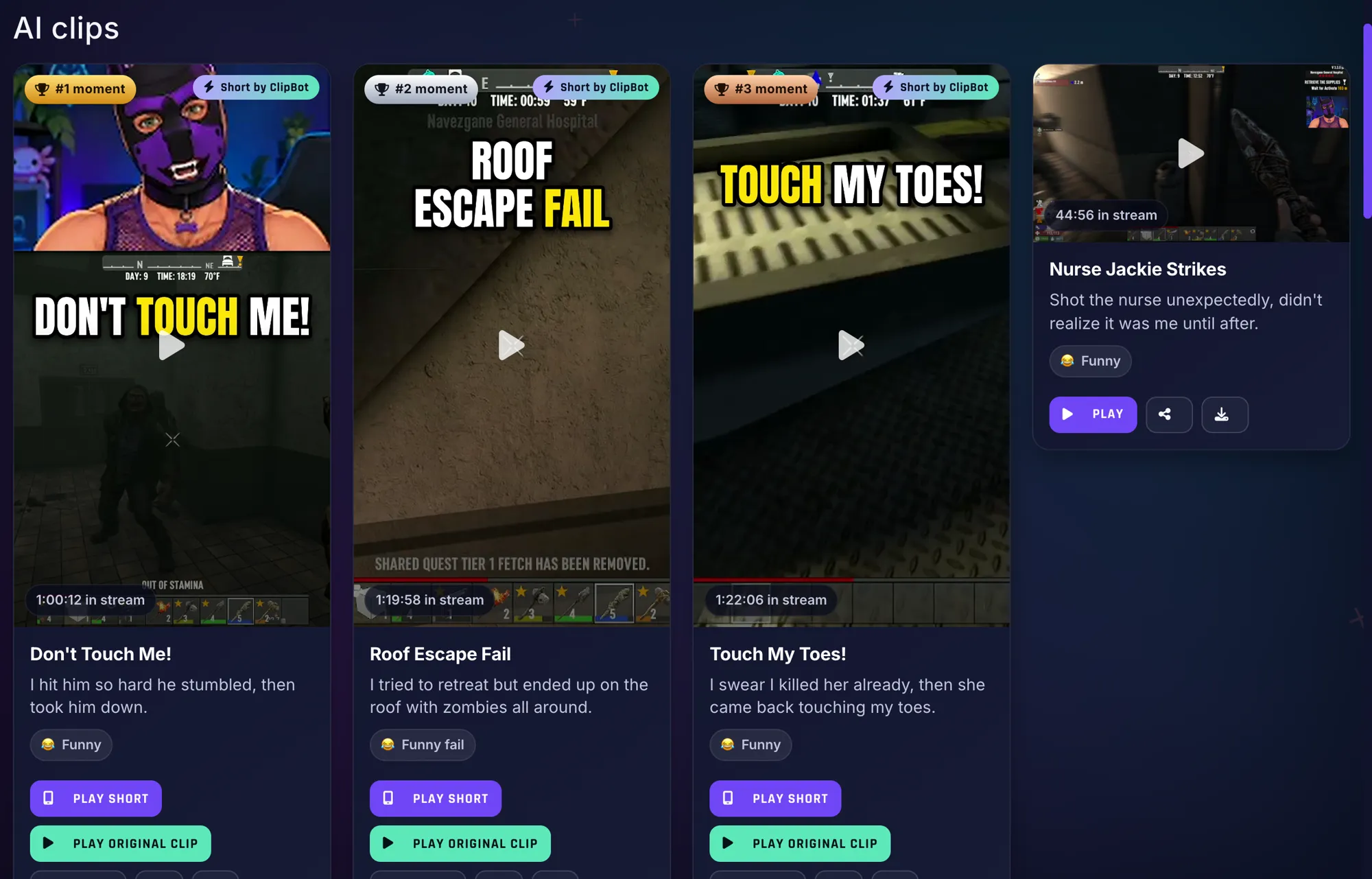
There’s now a public feed of the Shorts ClipBot edits for streamers, at clipbot.gg/Shorts. Swipe or scroll through it like any short-video app, upvote the ones you like, and jump to the full broadcast from any Short. It’s also the first tab on Discover, and every public broadcast page shows its Shorts too.
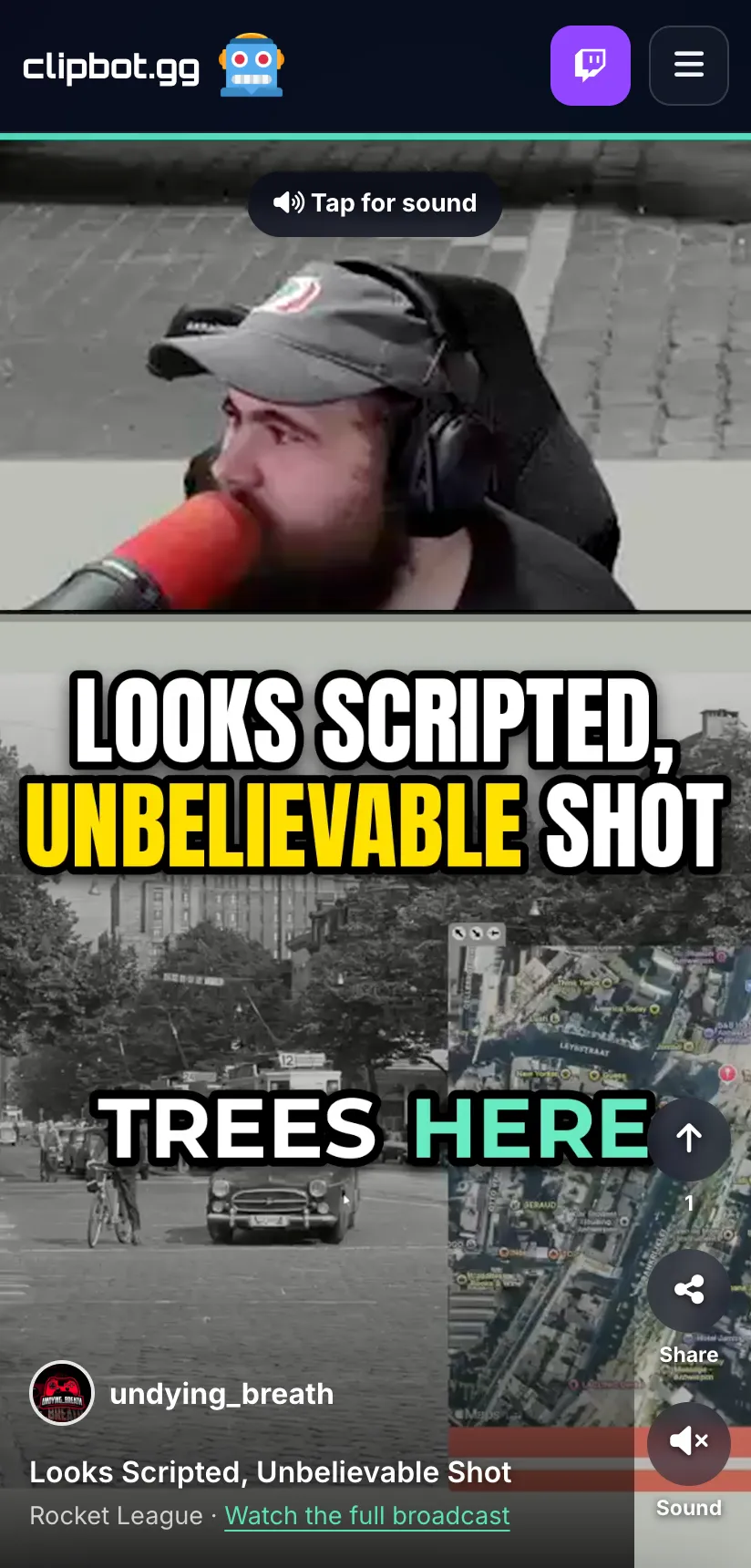
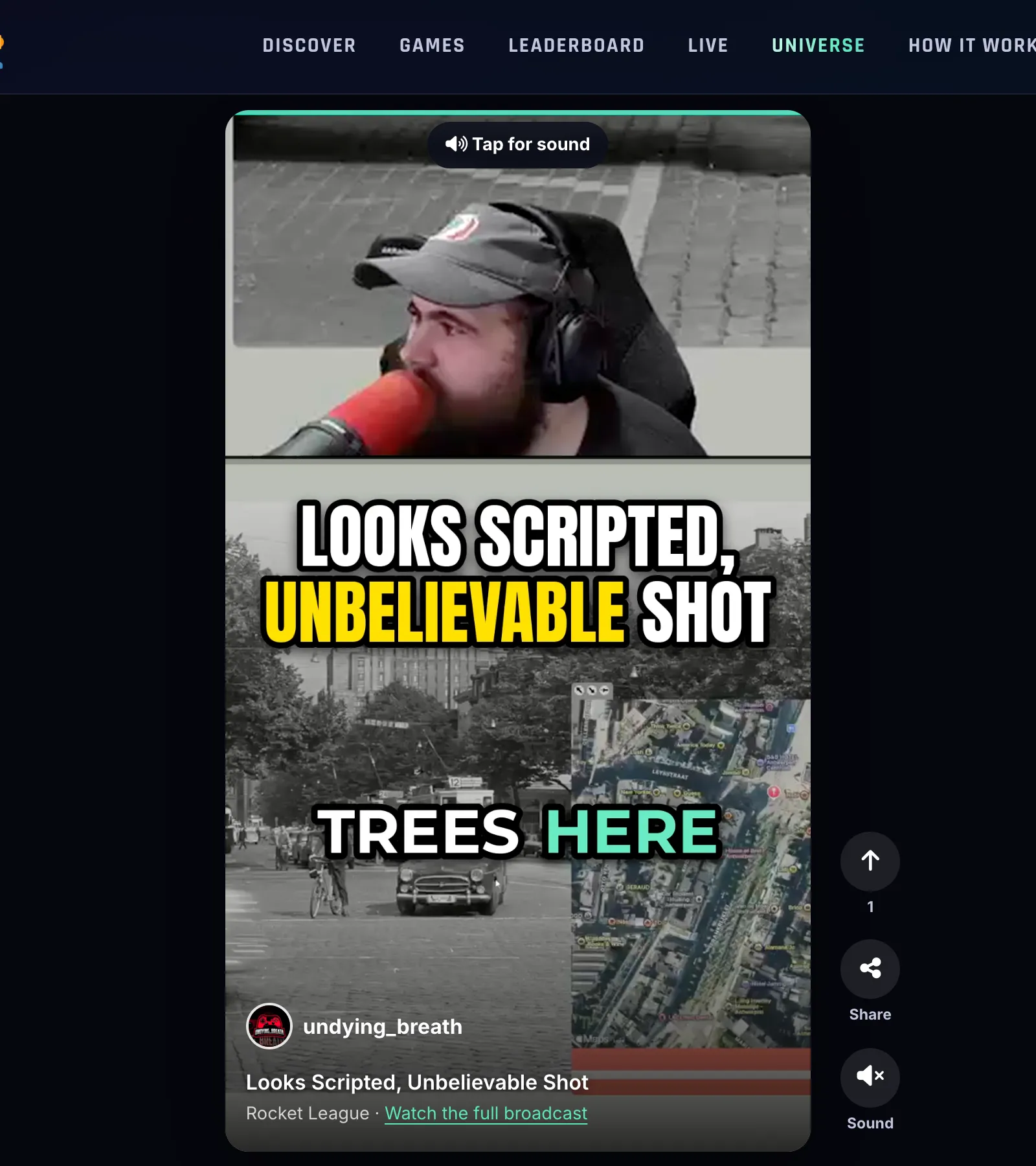
If you stream with ClipBot, your Shorts can show up there. That’s new viewers finding you without you posting a thing.
What’s coming next
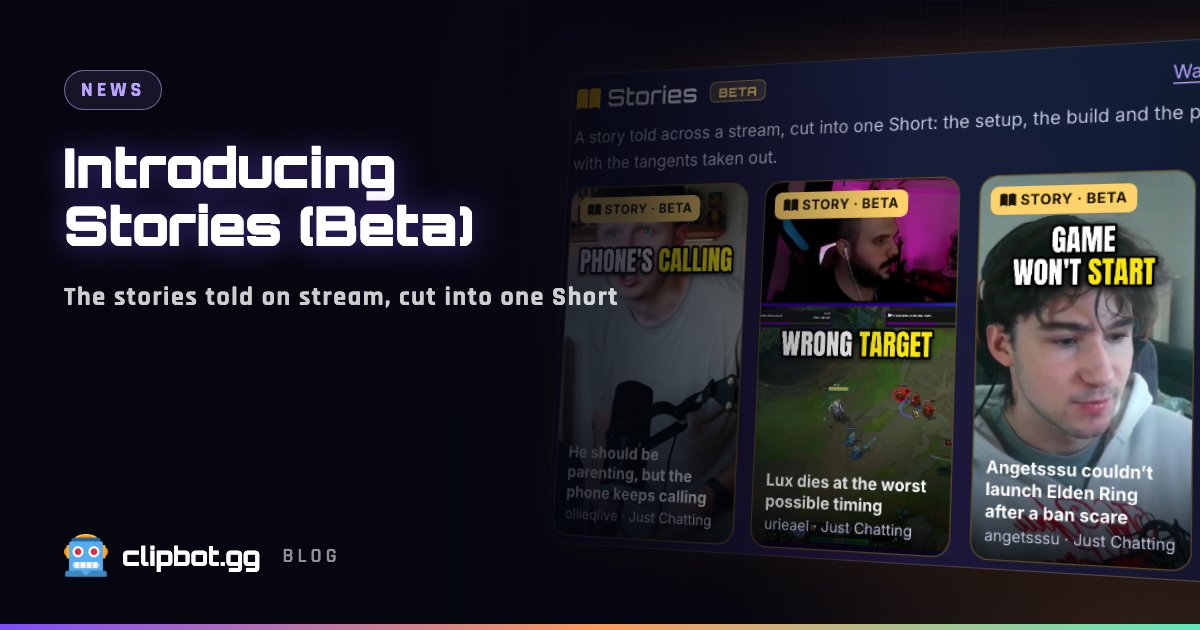
In testing: Stories
Some of the best stream moments aren’t one moment. A story gets told across a few minutes, with chat questions and side tangents in between. Stories will link the parts of that story into one Short and drop the tangents. A Story can also open with a quick flash-forward to the punchline, then show how it happened. We plan to make one or two per broadcast. Stories aren’t live yet: we’re still testing them in the same blind setup.
An idea we haven’t built: sound effects and reaction GIFs
We’re thinking about optional sound effects and reaction GIFs, added tastefully to your viral Shorts. It would be off by default and something each streamer turns on if it fits their style. Nothing’s built yet. Tell us if you’d use it.
We’re not done
A blind test only stays honest if you keep running it. We’ll keep re-running these tests as we change things, and keep pushing the quality of every clip and Short ClipBot makes.
Questions
Which AI clipping tool makes the best Twitch Shorts?
How did ClipBot test its clips against other AI clipping tools?
How many Shorts does ClipBot make per broadcast?
Does ClipBot edit Just Chatting streams with two people on one camera?
Where can I watch ClipBot Shorts?
What are ClipBot Stories?
Keep reading
 News
Introducing Stories (Beta): the stories told on stream, cut into one Short
Oct 12, 2026 · 4 min read
News
Introducing Stories (Beta): the stories told on stream, cut into one Short
Oct 12, 2026 · 4 min read
 Behind the build
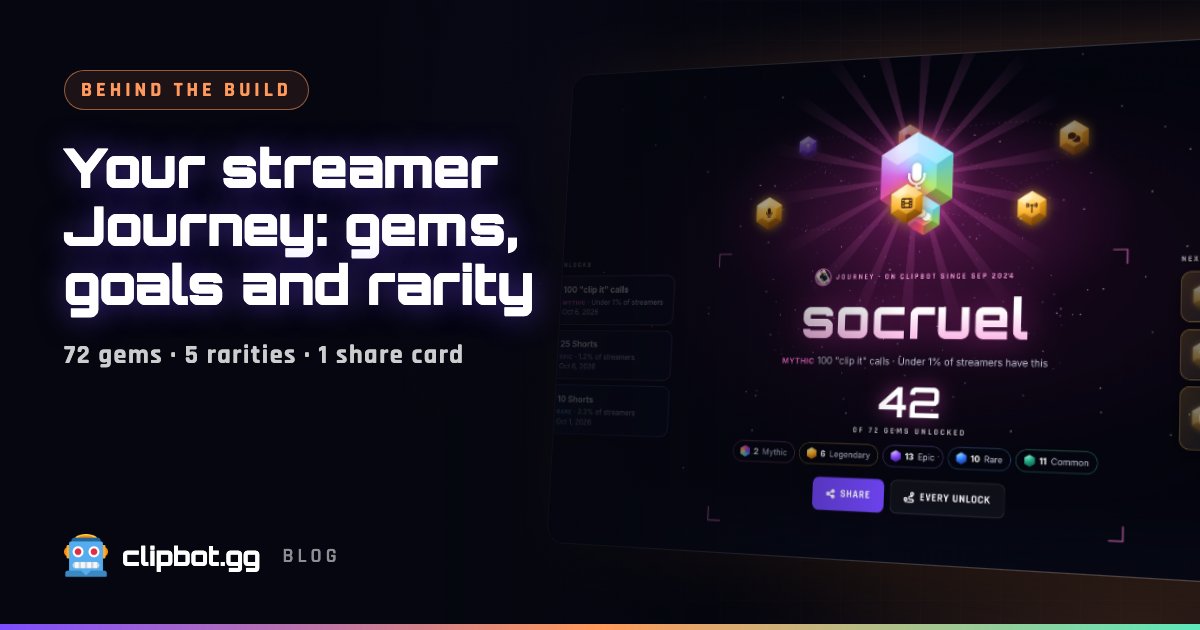
Your streamer Journey: every milestone as a gem, with rarity from real data
Oct 12, 2026 · 5 min read
Behind the build
Your streamer Journey: every milestone as a gem, with rarity from real data
Oct 12, 2026 · 5 min read
 Data
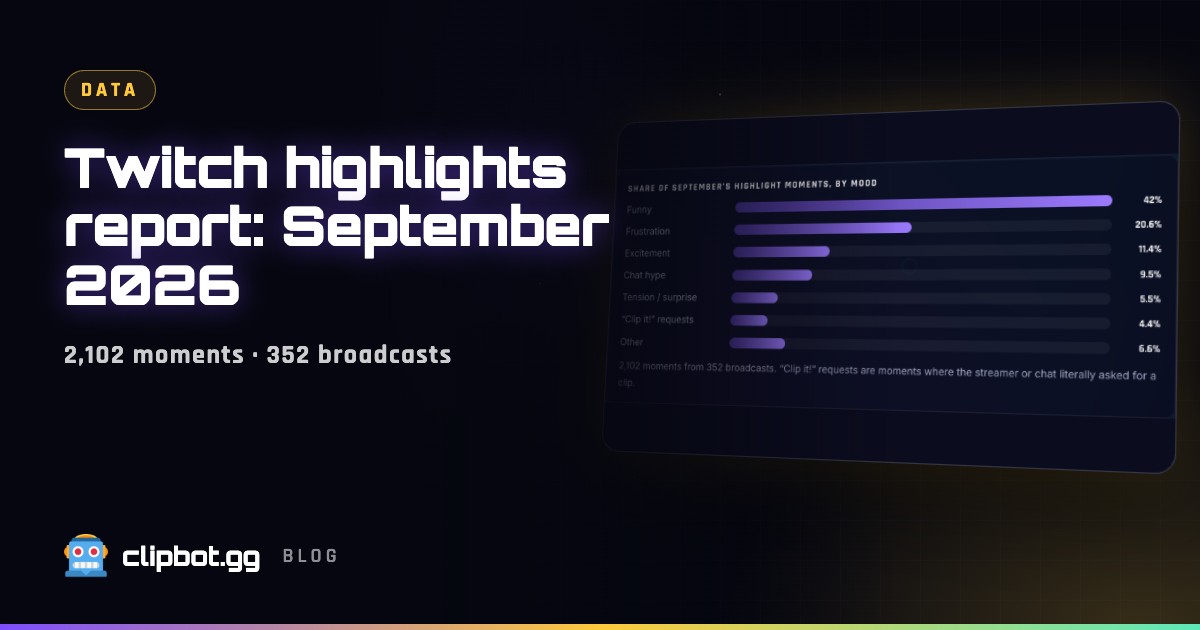
Twitch highlights report, September 2026: funny beats everything
Oct 10, 2026 · 5 min read
Data
Twitch highlights report, September 2026: funny beats everything
Oct 10, 2026 · 5 min read