Introducing Stories (Beta): the stories told on stream, cut into one Short
Some of the best stream moments are stories told across a few minutes. ClipBot now finds them, keeps the setup, build and payoff, drops the tangents, and cuts them into one vertical Short of 30 to 60 seconds.
 ClipBot team · · 4 min read
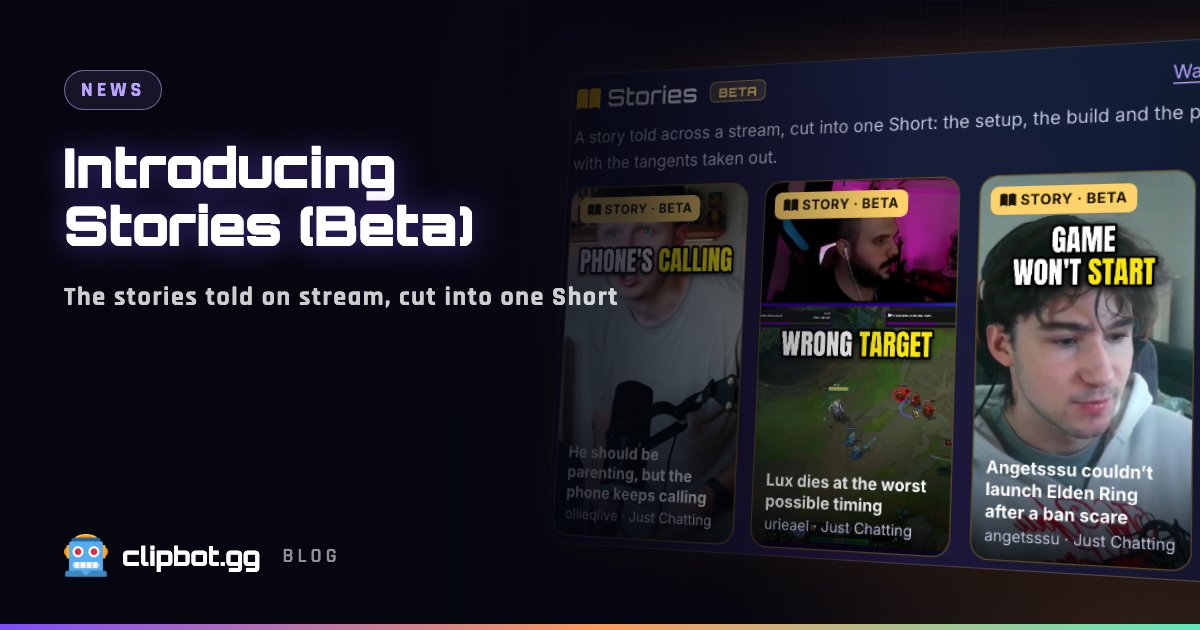
Some of the best moments on stream aren’t moments at all. They’re stories: a rant that builds for three minutes, a “you won’t believe what happened” that keeps getting interrupted by chat. A regular clip can’t hold that. So we built Stories, now in beta: ClipBot finds a story told across a broadcast, keeps the parts that tell it, and cuts them into one vertical Short.
What a Story is
A Story is a Short built from a story someone tells across a few minutes of a stream. Think a rant, a confession, a bit that keeps escalating, or a “so this happened” that finally lands.
On stream, stories rarely come out in one go. The streamer starts, reads a donation, answers chat, goes off on a tangent, comes back, and lands the punchline two minutes later. ClipBot reads the whole broadcast, finds the story, and keeps only the sentences that set it up, build it and land the payoff, plus the reaction right after. The tangents and chat-reading in between are cut out, and the pieces are joined into one vertical video, usually 30 to 60 seconds long and never more than 80.
A Story plays straight through, in the order it was told, so it lands the way it did on stream.
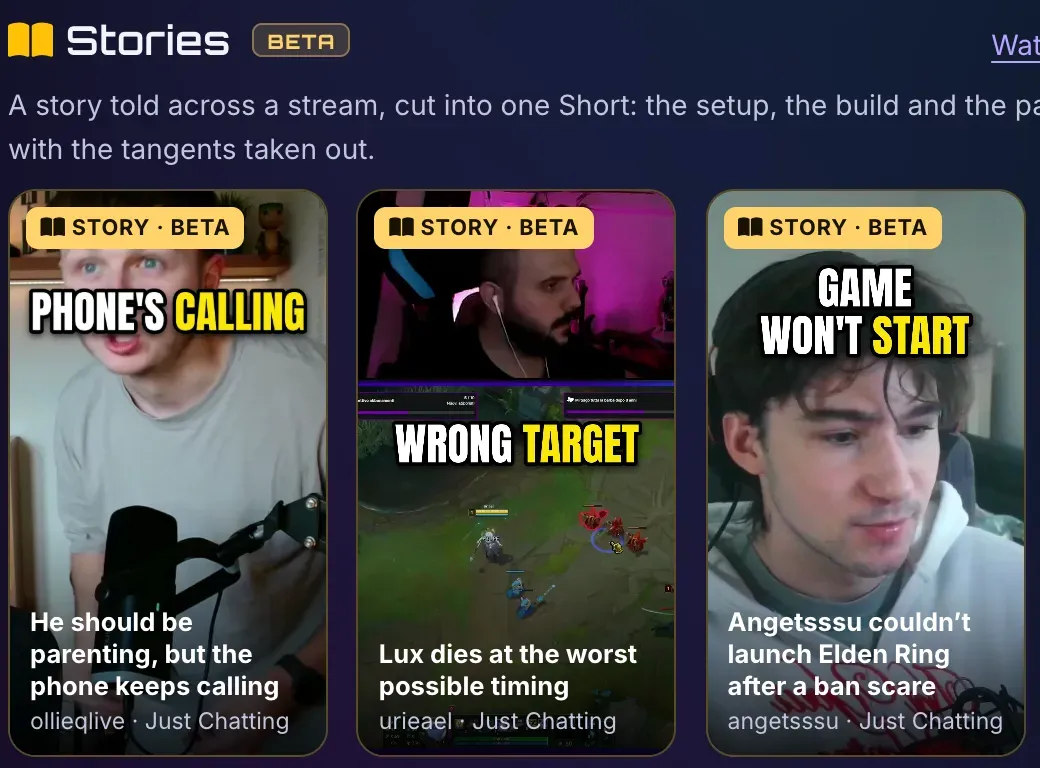
A few real Stories from the feed right now:
- “Angetsssu couldn’t launch Elden Ring after a ban scare” (angetsssu)
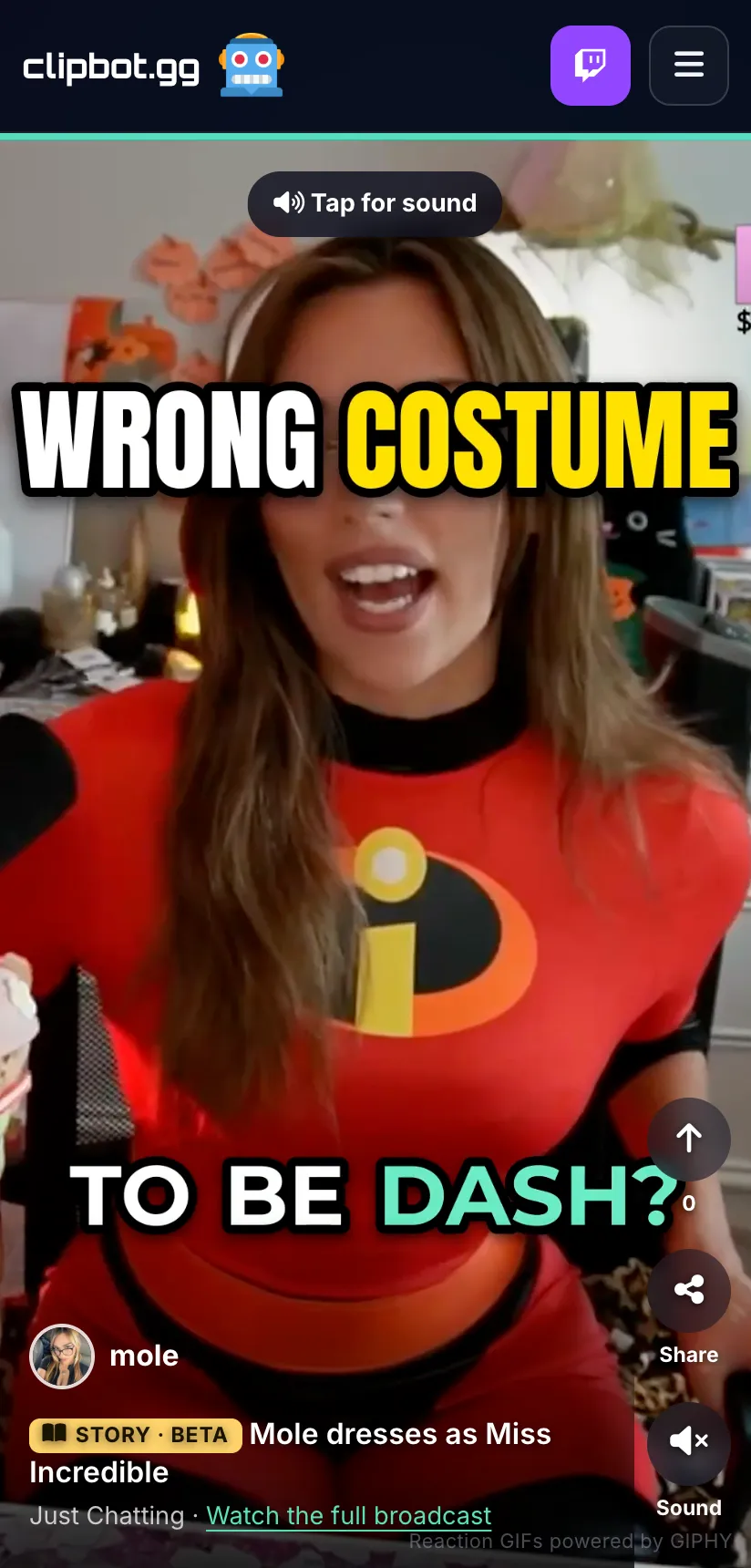
- “Mole dresses as Miss Incredible” (mole)
- “Ishimddy challenged chat to stay serious through 3 rounds” (ishimddy)
- “Lux dies at the worst possible timing” (urieael)
A Story isn’t a Short
Stories are a different creative direction from the Shorts ClipBot already makes:
- A Short is one big moment. A clutch play, a jump scare, a reaction. It works because of what happens in a few seconds.
- A Story is a told story. It has a beginning, a middle and an end, and it works because of how it builds. The best ones make sense to someone who has never watched the stream.
That’s why a Story can come from parts of a stream that are minutes apart, while a Short is always one continuous stretch.
Which broadcasts get Stories
Stories are made for talk-heavy broadcasts: Just Chatting, IRL, podcasts, or any stream with lots of talking, gaming streams included. While Stories are in beta, a broadcast gets one at most.
Before any video is cut, every candidate Story is read the way a viewer would watch it:
- Is it a complete story? It needs a setup and an ending, not just the middle of something.
- Does it flow? No gaps that leave you lost, and no lines that repeat.
- Does the ending land? The payoff has to be worth the wait.
Anything weak or incomplete is dropped right there. That means many broadcasts won’t get a Story, and that’s on purpose. A stream that’s mostly gameplay callouts, or a chat with no real story in it, is better served by its regular Shorts than by a Story that doesn’t hold together.
Edited like our Shorts
Every Story gets the same edit as our Shorts:
- Captions, placed so they stay off faces.
- Jump cuts over dead air, so it keeps moving.
- Full-screen framing on whoever is talking.
- Punch-in zooms on the beats that matter.
- Meme sound effects and reaction GIFs on the big beats. They’re on by default, and streamers can switch them off from their dashboard with “Meme sounds & reaction GIFs in my Shorts”.
Where Stories rank
Each Story is scored on the same viral score as our Shorts: its hook, its payoff, whether it makes sense to a stranger, the emotion in it and how shareable it is. That decides where it lands:
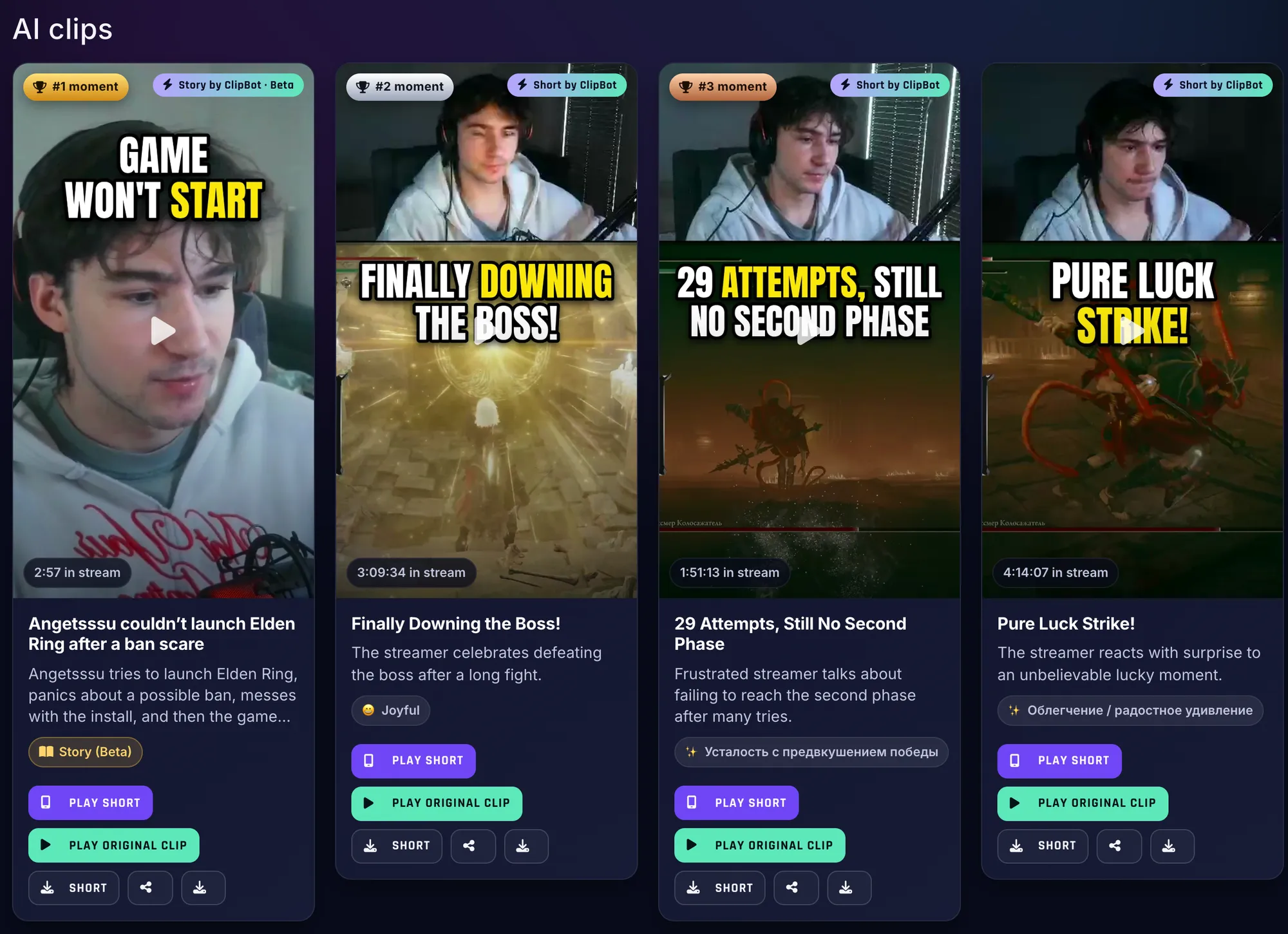
- A strong Story becomes the broadcast’s #1 Short.
- A weaker one sits lower, below the moments that scored better.
Stories are added on top of the regular Shorts, never instead of them. You still get your five Shorts; a Story is a bonus.
Where to watch Stories
- The Stories row on Discover. It sits at the top of the page, like a stories row on Instagram: each streamer’s newest Story, newest first.
- The “Stories (Beta)” tab. It opens the swipe feed with only Stories in it, at clipbot.gg/Shorts?kind=story. While we’re in beta it shows each streamer’s newest Story. Each one is marked with a “Story · Beta” chip.
- Broadcast pages. Stories show up alongside the other clips, with a gold “Story (Beta)” badge.
For streamers
There’s nothing to turn on. If your broadcast has a story worth telling, ClipBot cuts it with the rest of your clips and Shorts, and it can show up in the Stories row and feed, where new viewers find you.
You stay in control. You can hide any clip from your broadcast page, a Story included, and a hidden Story leaves Discover and the feed too.
Why it’s a beta
Picking a story out of hours of talking, and deciding which sentences it can live without, is harder than finding one big moment. We’re still tuning how Stories are picked and cut, so some will miss. That’s what the “Beta” tag is for.
Questions
What is a ClipBot Story?
What’s the difference between a Story and a Short?
Which streams get Stories?
Do Stories replace my Shorts?
Where can I watch ClipBot Stories?
Can I hide a Story from my broadcast page?
Keep reading
 Behind the build
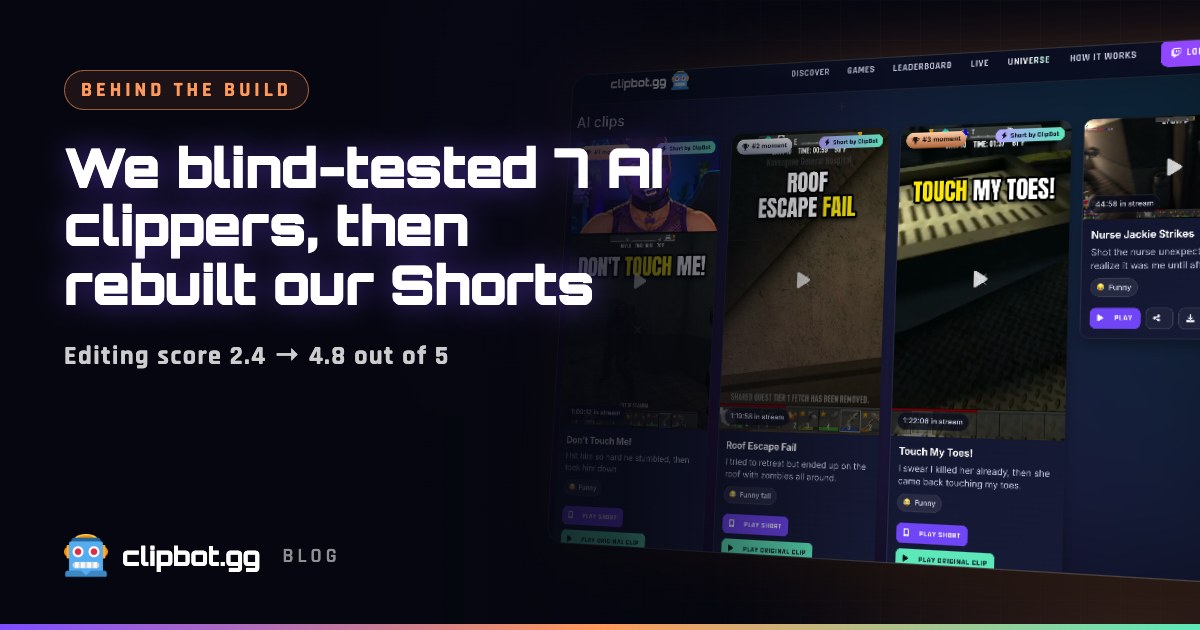
We blind-tested ClipBot against six AI clipping tools, came second to last, and rebuilt our Shorts
Oct 12, 2026 · 7 min read
Behind the build
We blind-tested ClipBot against six AI clipping tools, came second to last, and rebuilt our Shorts
Oct 12, 2026 · 7 min read
 Behind the build
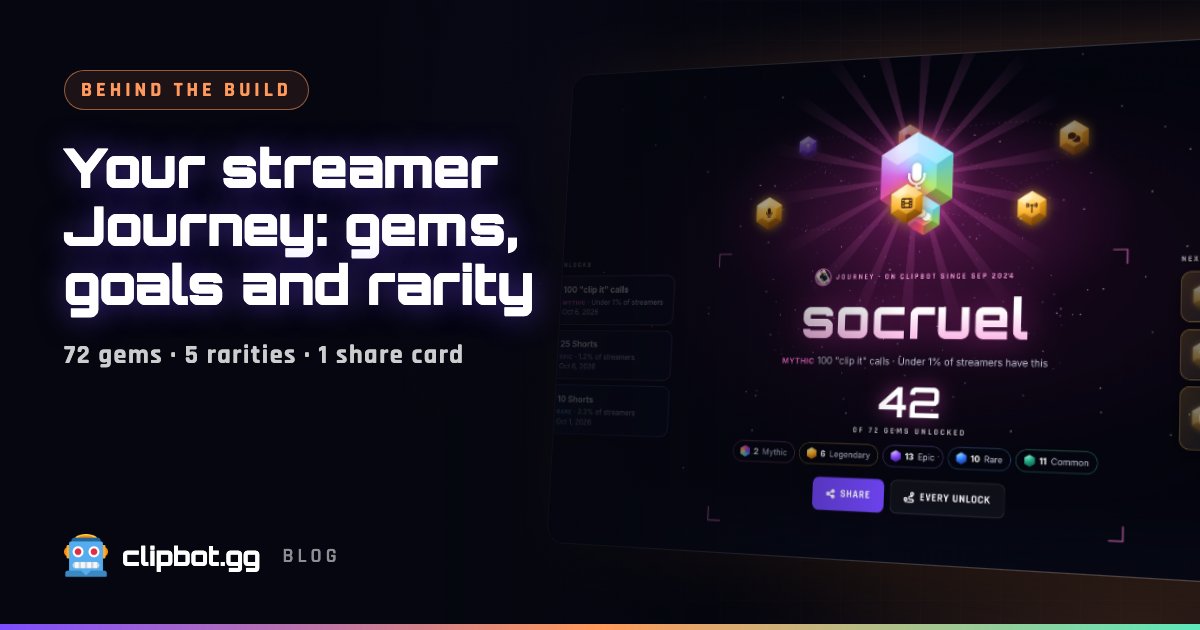
Your streamer Journey: every milestone as a gem, with rarity from real data
Oct 12, 2026 · 5 min read
Behind the build
Your streamer Journey: every milestone as a gem, with rarity from real data
Oct 12, 2026 · 5 min read
 Data
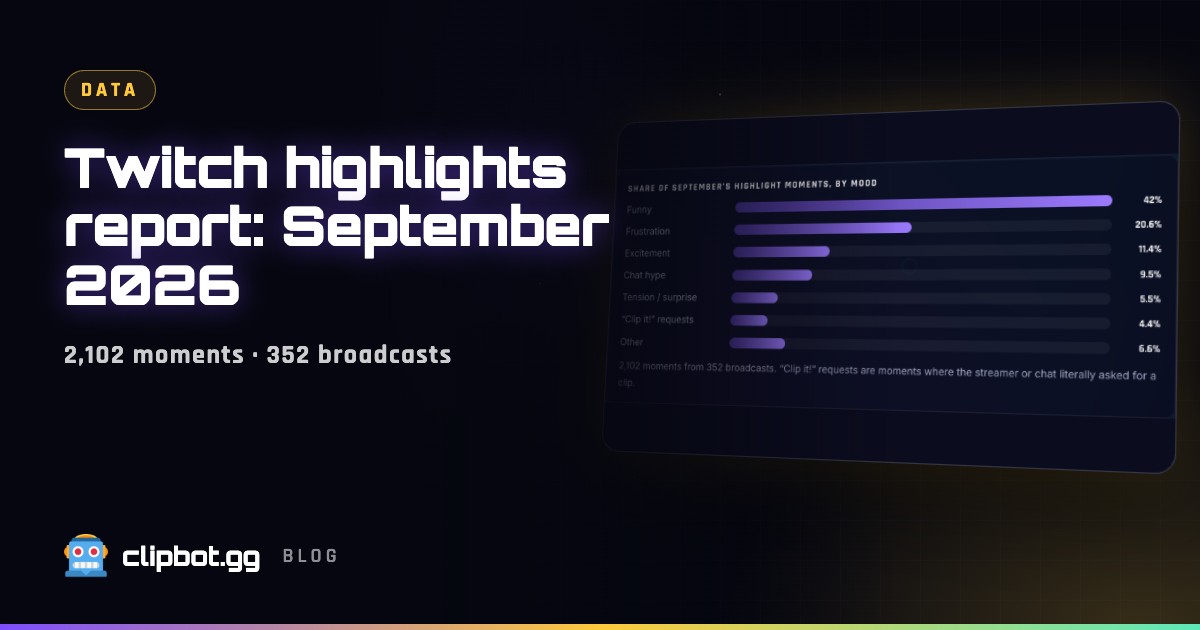
Twitch highlights report, September 2026: funny beats everything
Oct 10, 2026 · 5 min read
Data
Twitch highlights report, September 2026: funny beats everything
Oct 10, 2026 · 5 min read