Can ClipBot DM you on Discord when your Twitch clips are ready?
Yes: join the ClipBot Discord server, connect your account, and the ClipBot bot DMs you every time a broadcast is clipped, with the game, the clip count, your top moment and a link. What the DM looks like, how to turn it on in a minute, and the 109 broadcasts ClipBot clipped in October for the 44 streamers who have it on.
 ClipBot team · · 4 min read
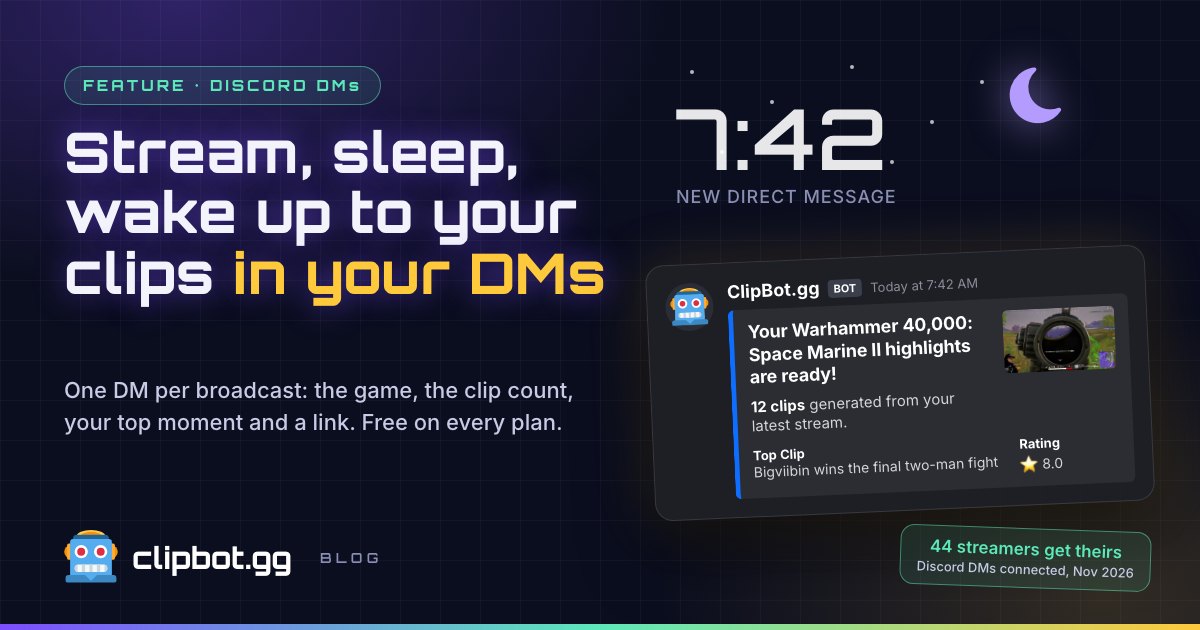
Based on the 44 streamers who have Discord DMs connected and the 109 broadcasts ClipBot clipped for them in October 2026.
You end the stream at 1 a.m., say GG to chat, and go to bed. ClipBot works the night shift. By the time you pick up your phone, there’s a DM waiting: “Your Warhammer 40,000: Space Marine II highlights are ready!” No refreshing a dashboard, no remembering to check. Your best moments come to you, in the app you already have open all day.
- GG, stream overRaid someone, close OBS. You’re done for the night.
- You sleepClipBot picks up the broadcast and finds your best moments.
- The DM landsThe second your clips are ready, the ClipBot bot messages you.
- You wake up to clipsCoffee, one tap, and you’re picking which moment to post first.
What does the ClipBot Discord DM look like?
One message per broadcast, built to be read in two seconds on a lock screen. Here’s the DM for bigviibin’s Space Marine II stream on October 31, as it finished:
Your Warhammer 40,000: Space Marine II highlights are ready!
12 clips generated from your latest stream.
View your clips on ClipBot.gg
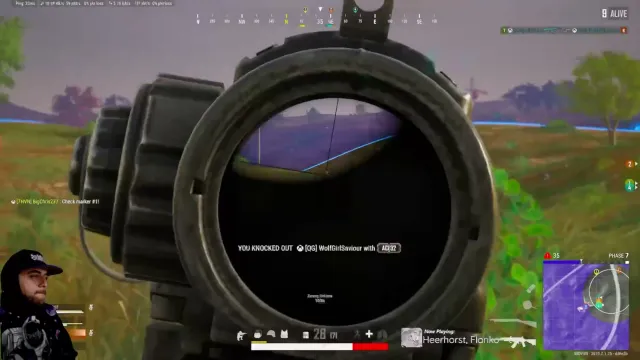
- 1The game, so you know which stream it’s about, even after a three-game night.
- 2How many clips you got, and a link straight to the broadcast.
- 3Your top clip: its title and rating, so you know if it popped off before you open it.
- 4A thumbnail of that top moment.
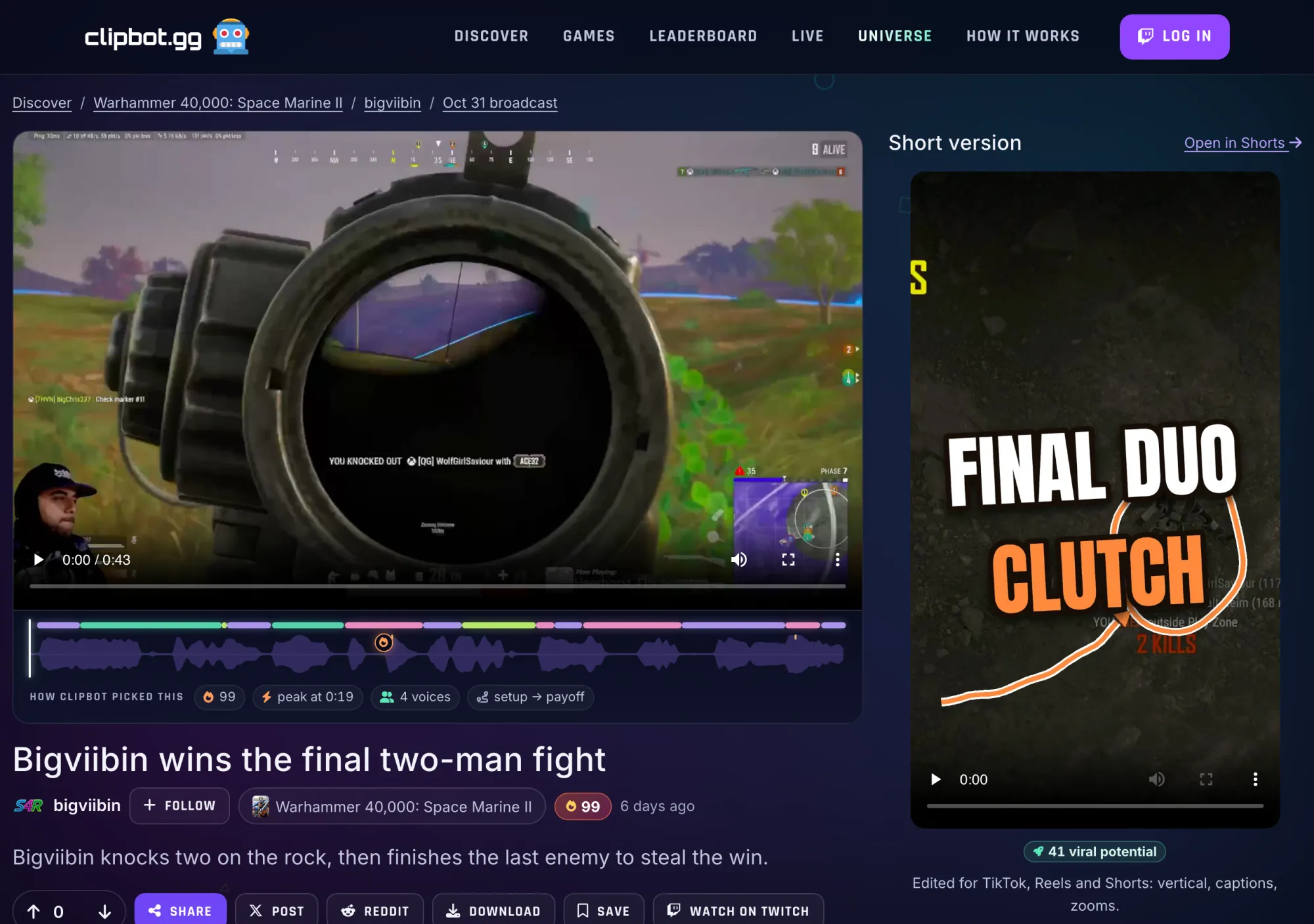
The time in the example is made up. Everything else is what the bot sends. One tap on the link opens the broadcast page with every clip, its Shorts and the stream timeline. Here’s the top clip from that DM, already scored 🔥 99 with a vertical Short ready to post:
Why would a streamer want clips in their DMs?
Because the best time to post is while the stream is still fresh
Last night’s clutch is gold this morning and old news by the weekend. Chat still remembers it, your Discord is still talking about it, and the people who missed the stream want to see what happened. The DM is your nudge to post it while it hits. We think that matters more than any posting-time chart.
Because nobody checks a dashboard at 8 a.m.
You live in Discord. Your community’s there, your duo’s there, your mod chat’s there. Putting your clips in the same place means you actually see them, instead of meaning to check later and forgetting until next stream.
Because it’s zero effort after setup
Connect once and forget it. There’s nothing to set up per stream. If ClipBot clips the broadcast, the DM goes out. On ClipBot+ that’s every broadcast, clipped automatically, so the DM turns up after every stream without you lifting a finger.
How do I turn on Discord DMs in ClipBot?
Three steps, about a minute:
- Join the ClipBot serverDiscord only lets a bot DM people it shares a server with. Join from the button on the Discord page.
- Connect your accountHit Connect. Discord asks to share your basic profile with ClipBot. No email, no servers, no messages.
- Stream and chillThat’s it. Next time a broadcast is clipped, the DM comes to you.
You’ll find it under Notifications in the ClipBot sidebar, in Other alerts:
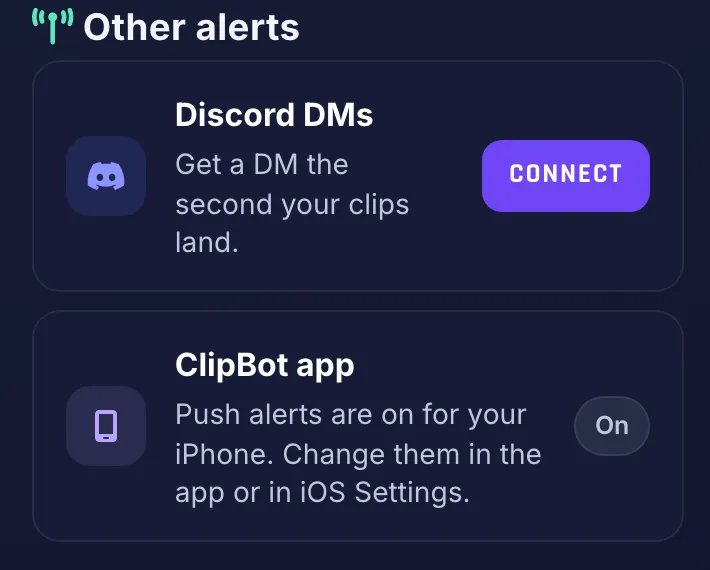
That takes you to the Discord page, with both buttons up top and the three steps underneath:
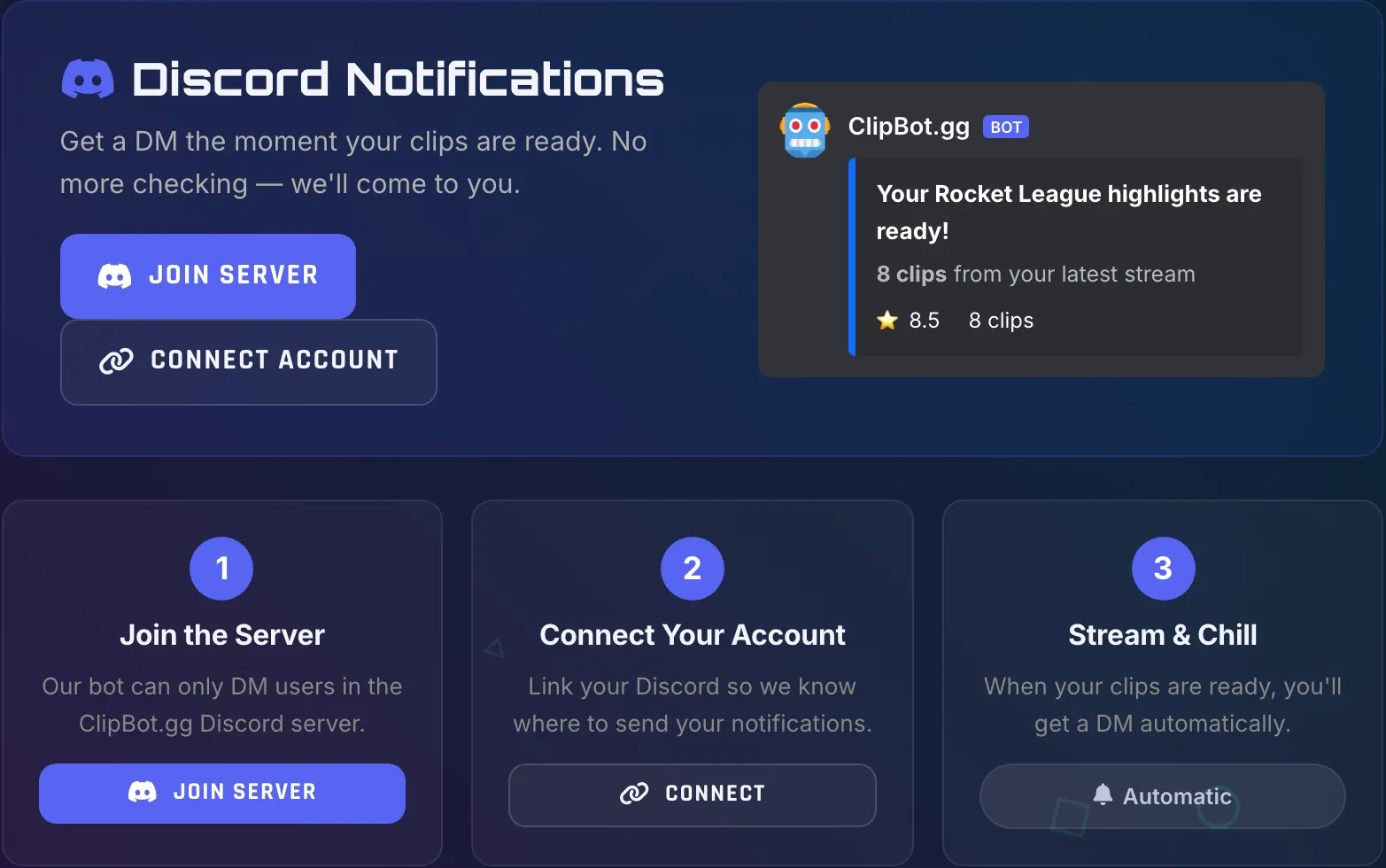
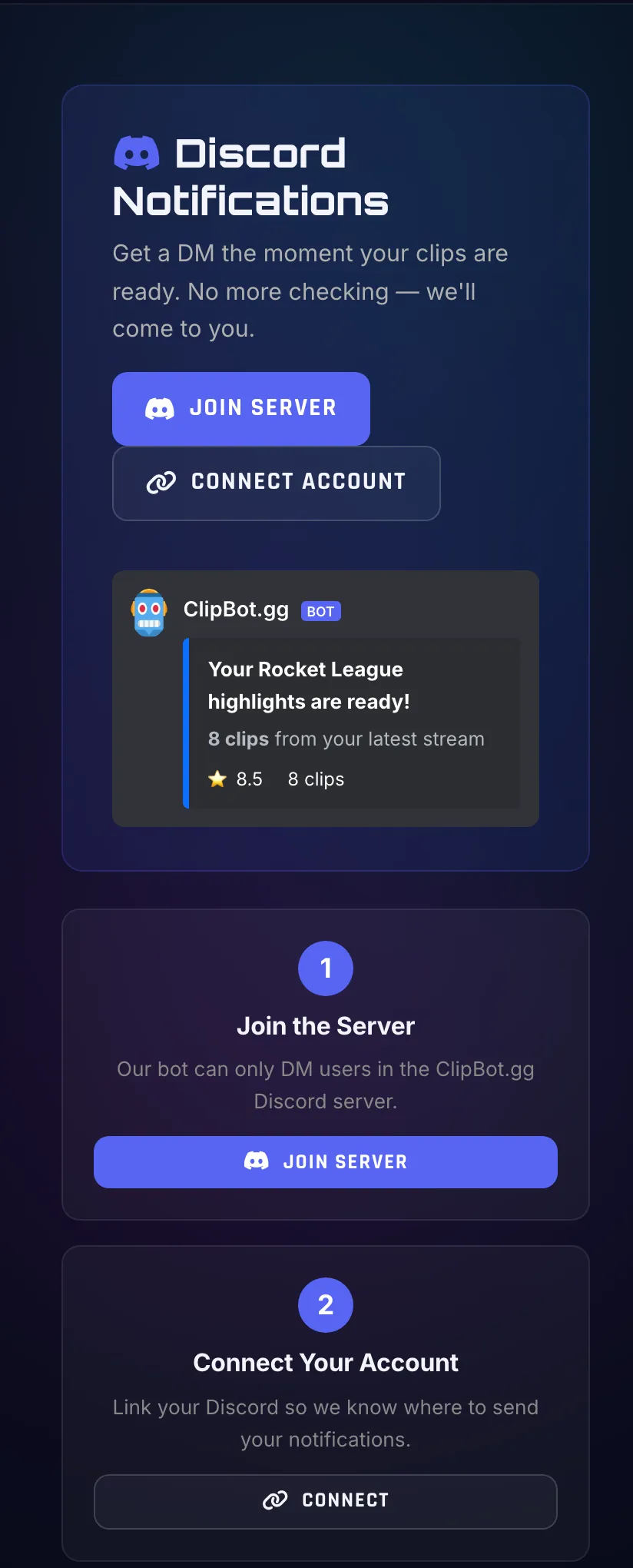
On your phone it’s the same page, stacked. Handy, because you can join the server and connect straight from the Discord app:
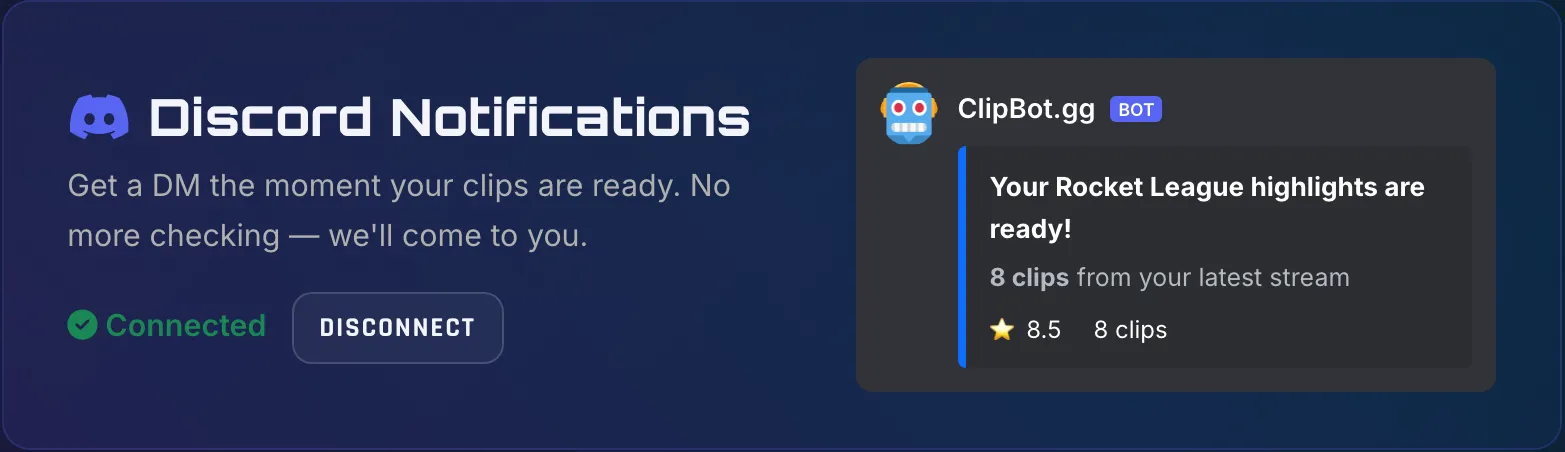
Once you’re connected, the page shows it, and you’ll get a quick confirmation with your Discord name:
How many streamers get their clips by DM?
As of today, 44 streamers have Discord connected. In October, ClipBot clipped 109 broadcasts for them across 26 games and categories, with 1,410 clips between them. A typical broadcast had 15 clips, so a typical DM is announcing a whole highlight reel, not one lonely clip.
Oct 29–31 is a part week. Counts broadcasts that finished with at least one clip, for streamers who have Discord connected on November 6, 2026.
Broadcasts per game, October 1–31, 2026.
Can I turn Discord DMs off?
Any time. Hit Disconnect on the Discord page, or in the Discord alerts section of your Membership page, and the DMs stop. You can reconnect whenever you like. Either way, it’s one DM per clipped broadcast and nothing else: no promos, no “we miss you” messages, no posting in your own server.
Prefer something else? The same Notifications page has the Clips ready email, and if you use the ClipBot iPhone app, it sends push alerts too.
Try it
Sign in with Twitch, open the Discord page, join the server and hit Connect. Then stream, sleep, and let your best moments wake you up. Want them on your Twitch channel too? ClipBot can post them as Twitch clips as soon as they’re ready, and here’s how to turn them into TikToks and Shorts.
Questions
Can ClipBot send me a Discord message when my clips are ready?
What is in the ClipBot Discord DM?
Is the Discord DM free?
Why do I have to join the ClipBot Discord server?
Why am I not getting ClipBot DMs on Discord?
How do I stop ClipBot Discord DMs?
Keep reading
 Guides
How do you turn a Twitch stream into TikToks and YouTube Shorts in 2026?
Nov 4, 2026 · 8 min read
 Data
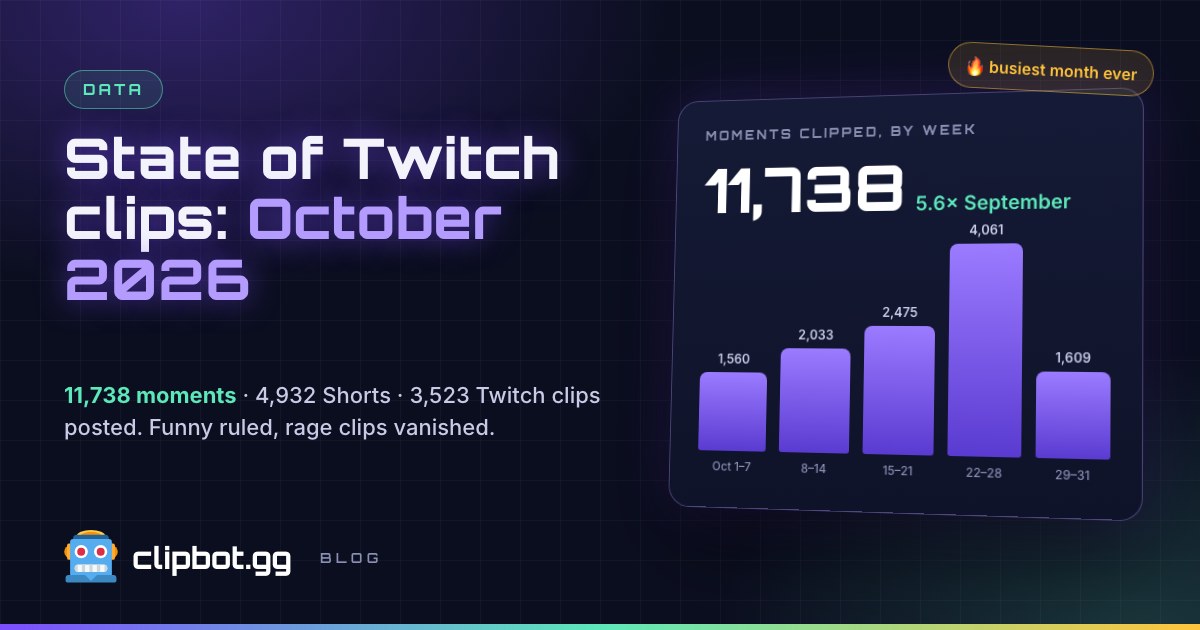
What happened on Twitch in October 2026? ClipBot’s monthly clips report
Nov 2, 2026 · 7 min read
 News
How do you post your best stream moments as Twitch clips automatically? (2026)
Oct 30, 2026 · 5 min read